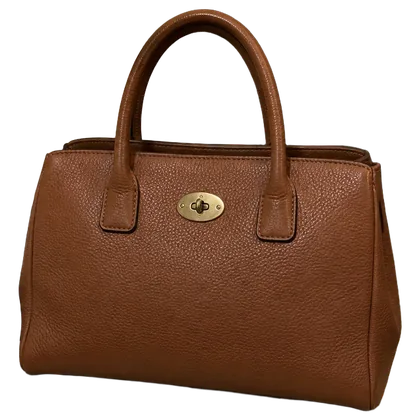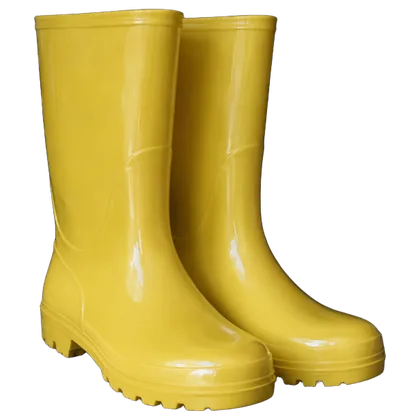
AI Cover Photo
Messy counter.Clean cover.
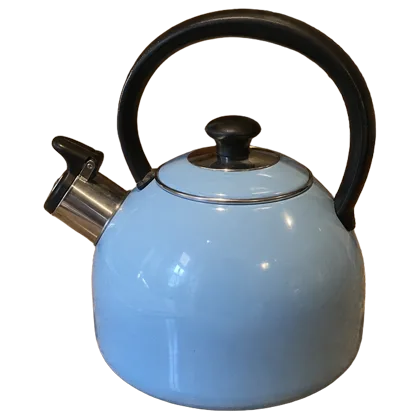
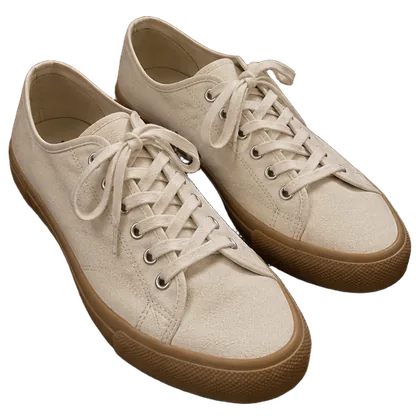
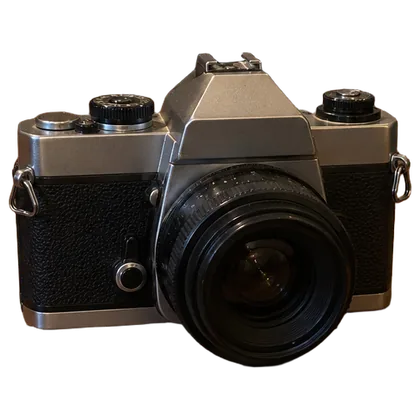
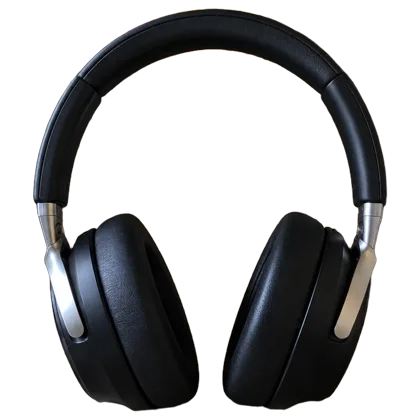
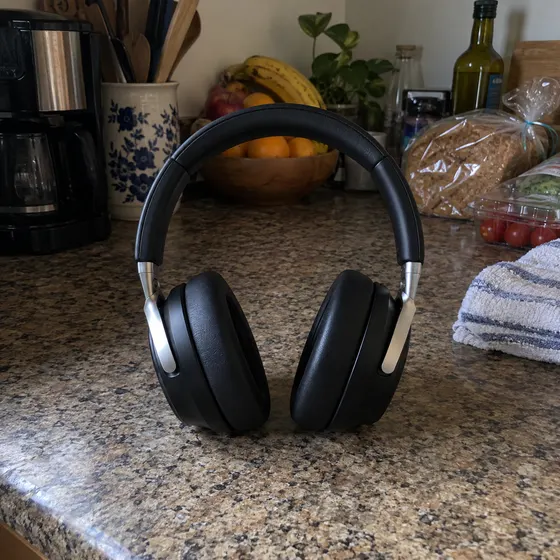
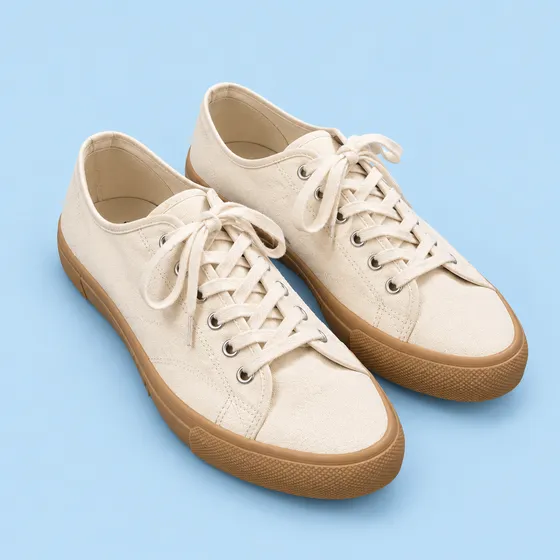
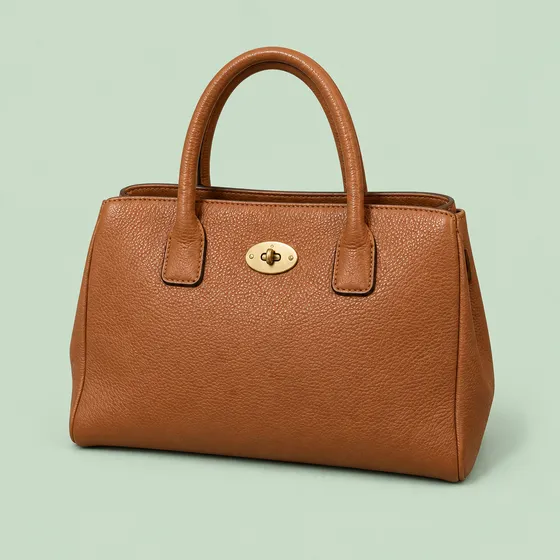
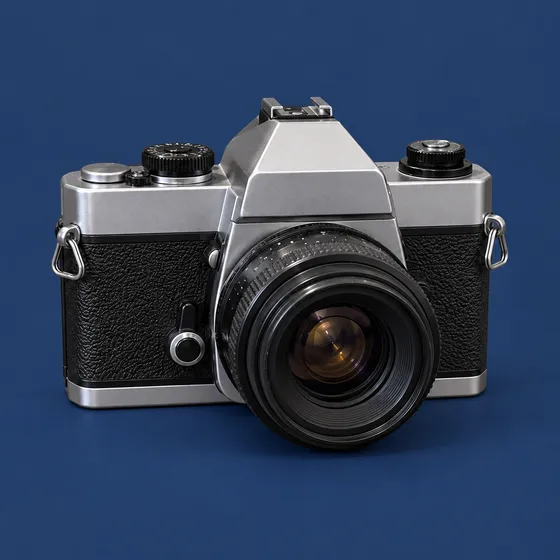
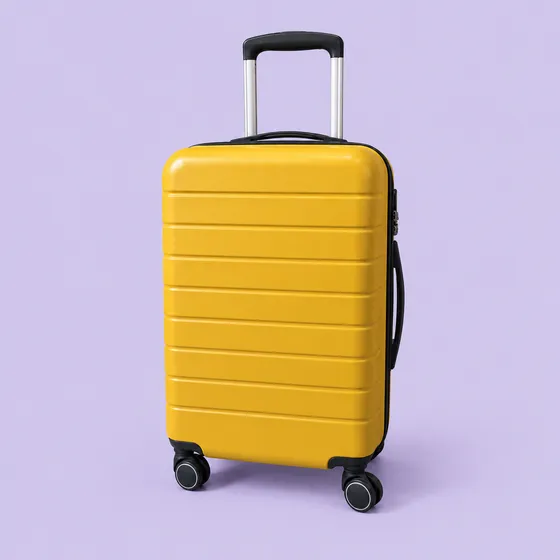
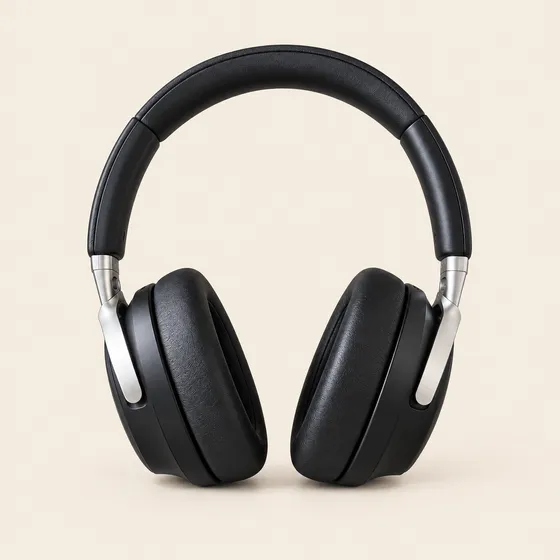
Snap the item where it sits. Letti turns the photo into a cover on white or any color you pick, ready to lead your listing.

Striped mug
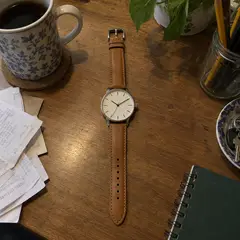
Leather watch

Steel saucepan

Alarm clock
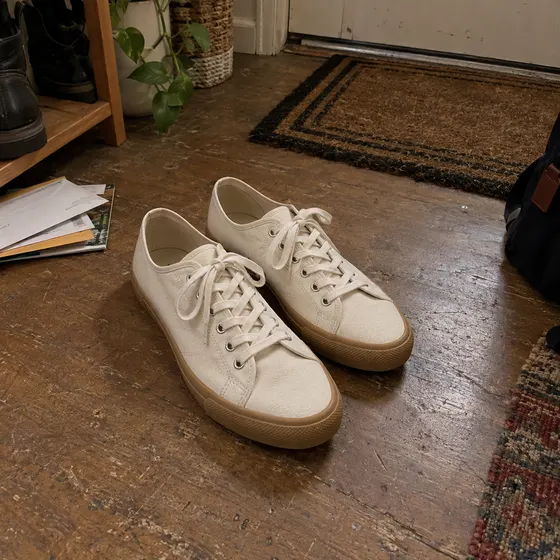
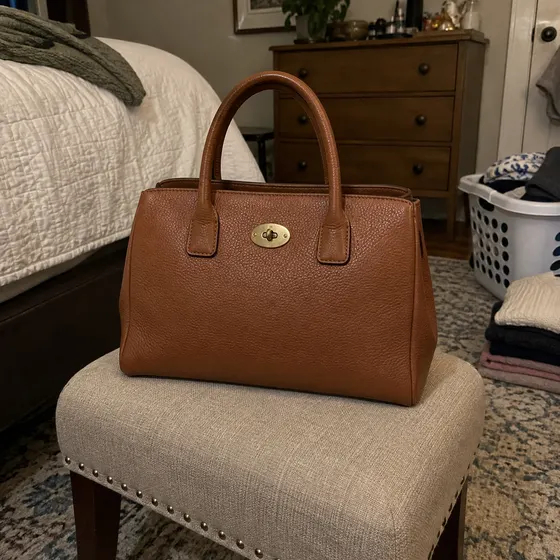
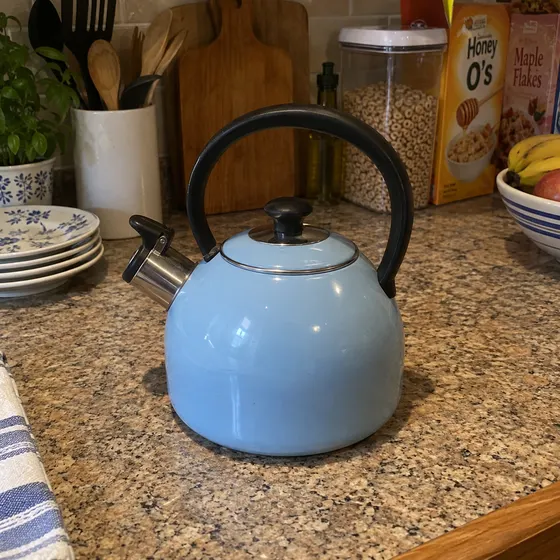
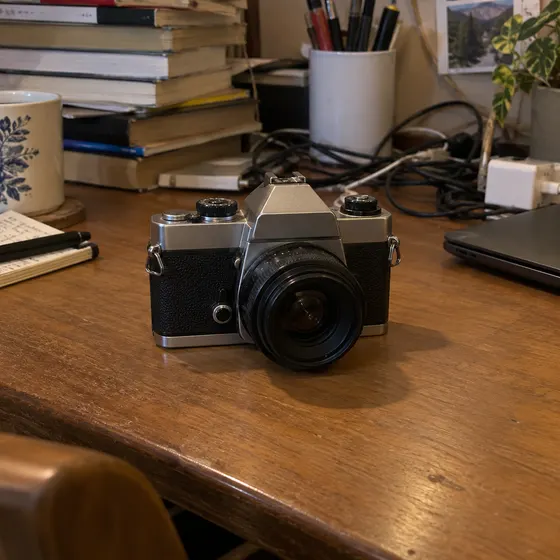
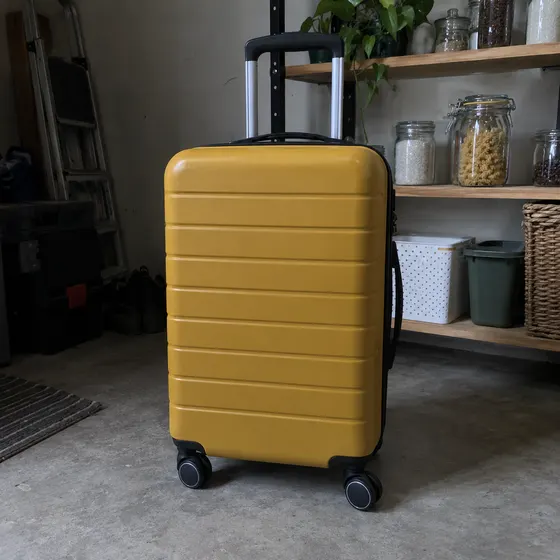

 Your photo
Canvas sneakers
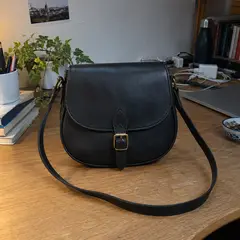
Crossbody bag
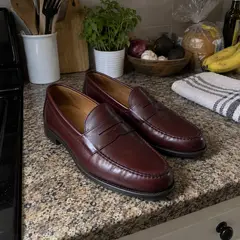
Penny loafers

Game controller
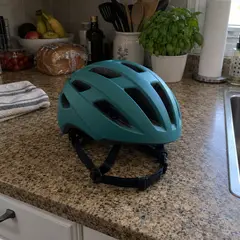
Bike helmet
Shot anywhere.
Covered clean.
Kitchen counters, cluttered desks, floors by the door. Hover or tap a tile to see where it started.
How it works
Create a clean listing cover from your photos.
Get startedYour first month of Pro is on us.
- 1
Add your photos
Up to 5 photos of the same item. More angles help Letti get the details right.
- 2
Pick a background color
Start with white, choose a preset or pick your own color.
- 3
Pick a frame and how many
Make 1 to 3 at a time in 1:1, 4:3 or 3:4.
Questions people ask
Something else? .
How is this different from Background Remover?
Background Remover cuts out your item from the original photo. AI Cover Photo creates a new photo with even lighting and a clean background.
Will my item look the same?
Letti aims to preserve your item's appearance, but AI can change small details. Check the cover against your original photo before you list it.
Do I need a studio-quality photo?
No. A phone snapshot on a counter or a desk is fine. Keep the whole item in the frame, and add another angle if a detail is hard to see.
Where do the photos go?
Save them to your Library or download as JPG, PNG or WebP.
What does it cost?
6–36 credits per photo, depending on the model. The default model uses 16 credits. See Pricing for available plans.