Background Remover
Remove the background.Keep the item.
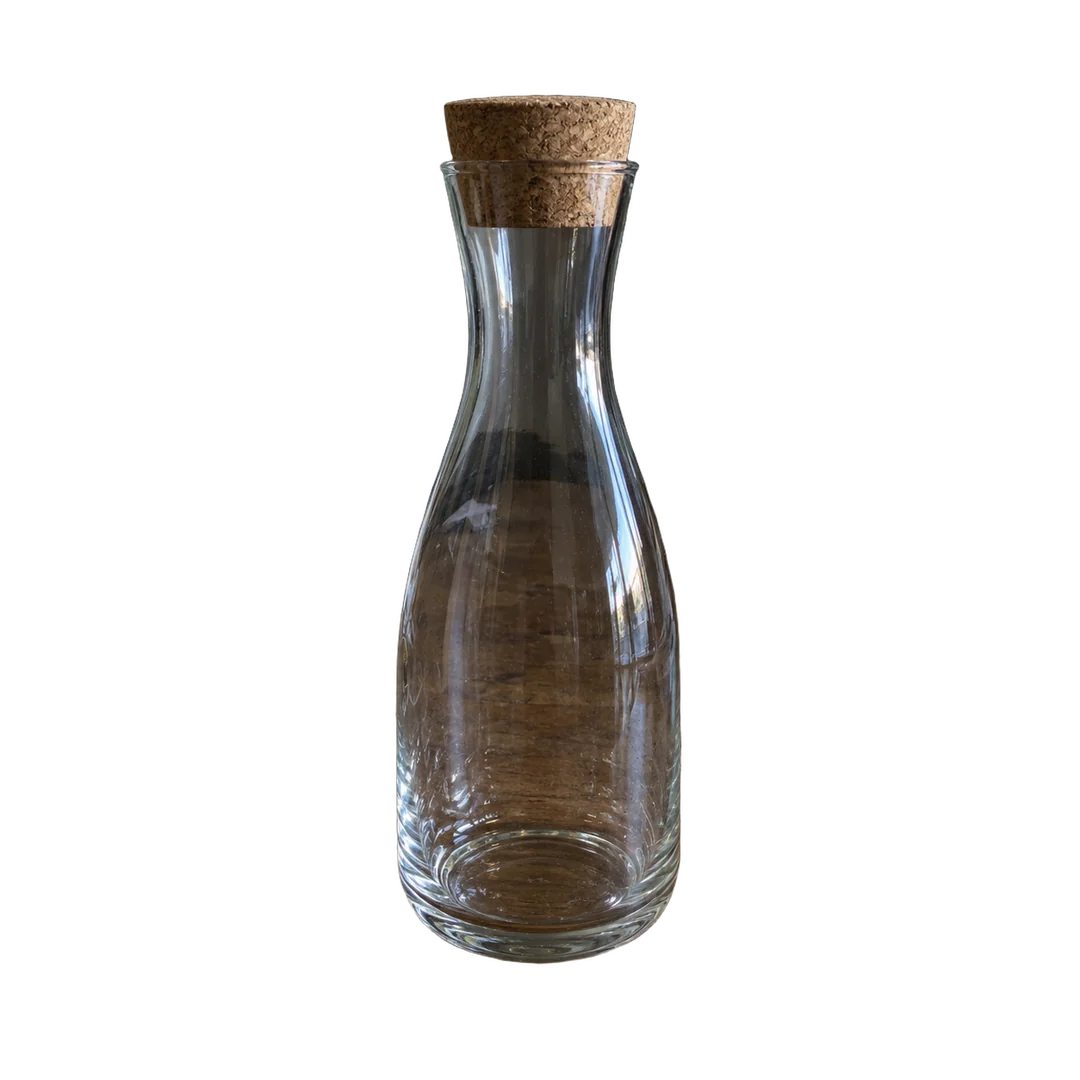
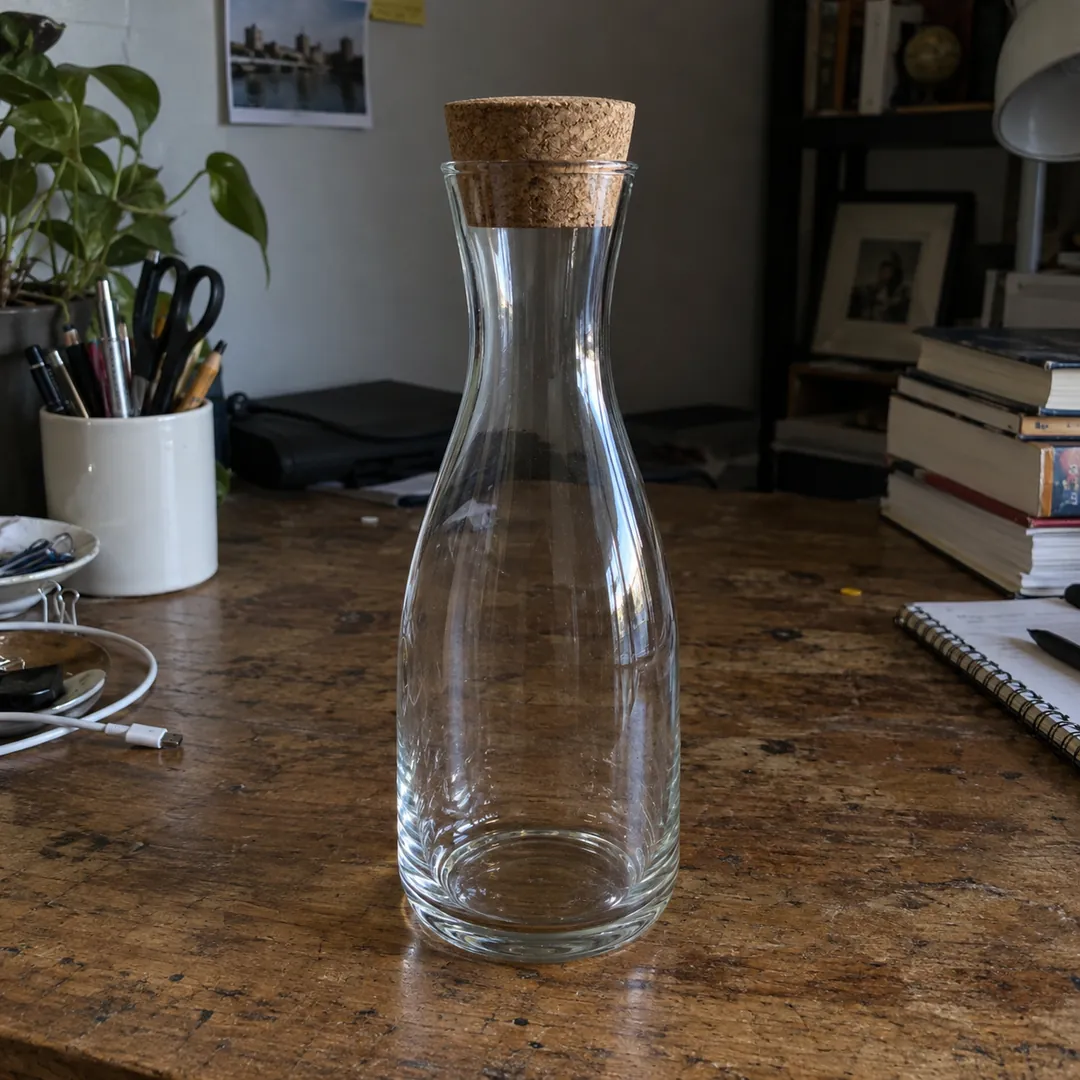
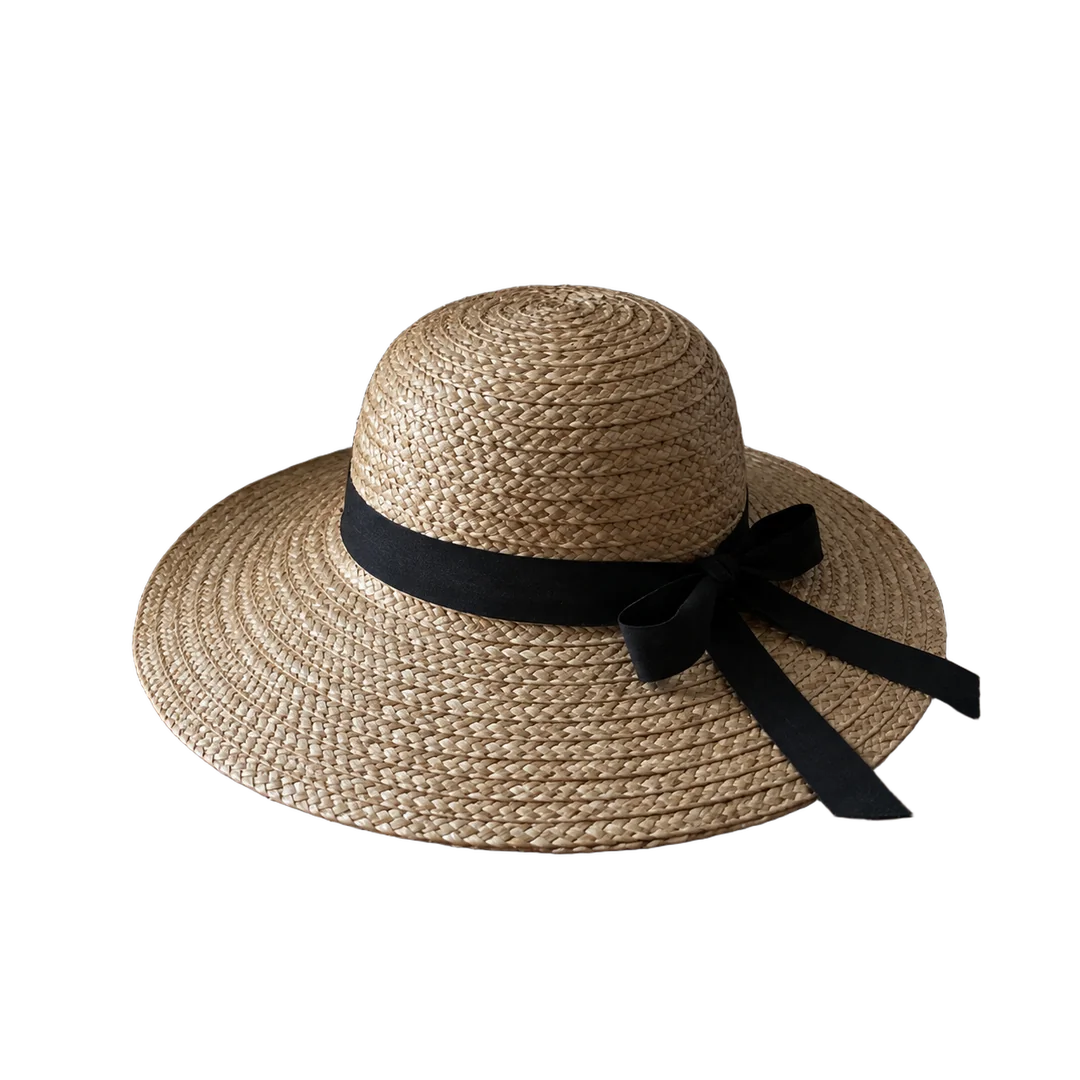
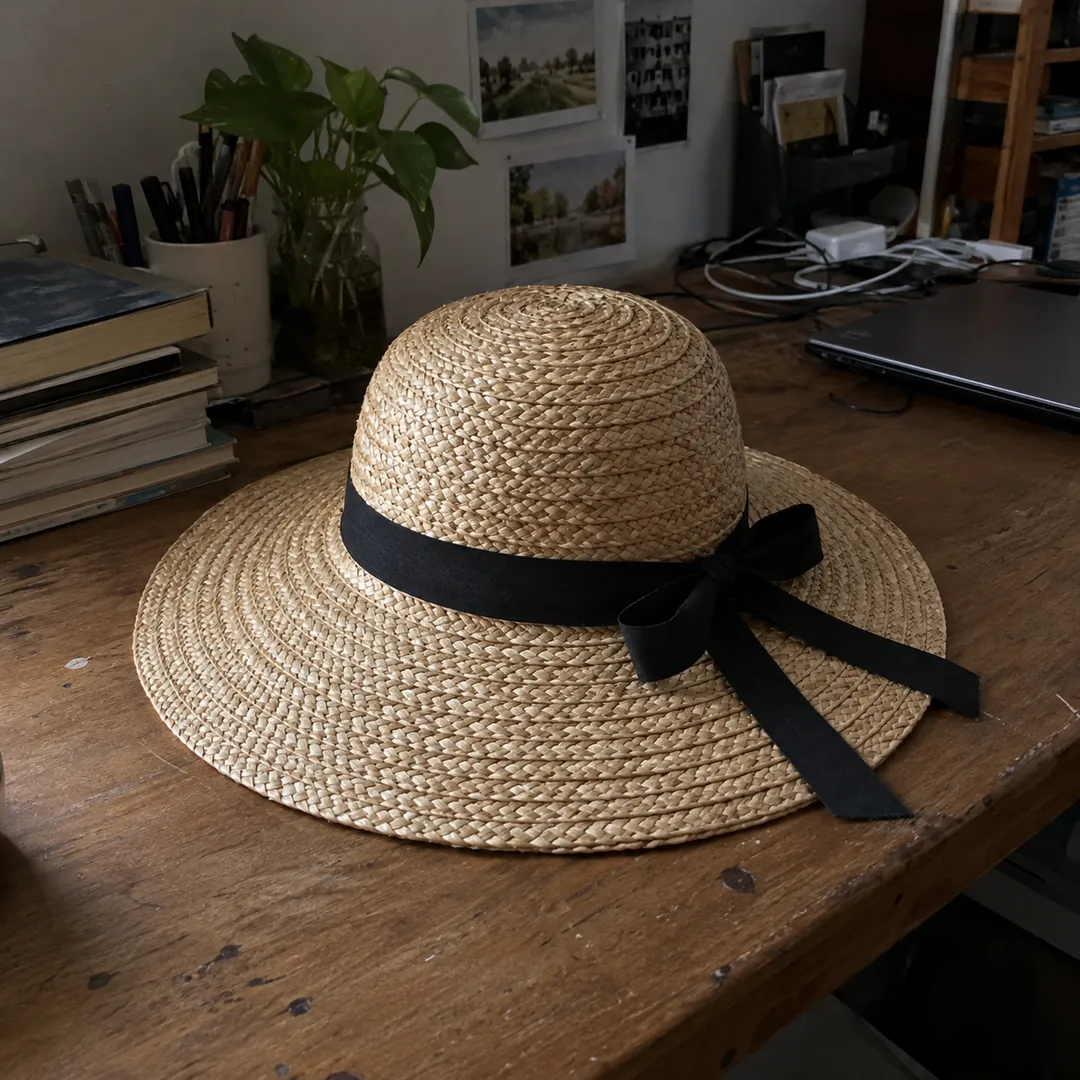
Letti cuts out the item you shot and puts it on white or a color. Works on glass, thin cords and fringe too.

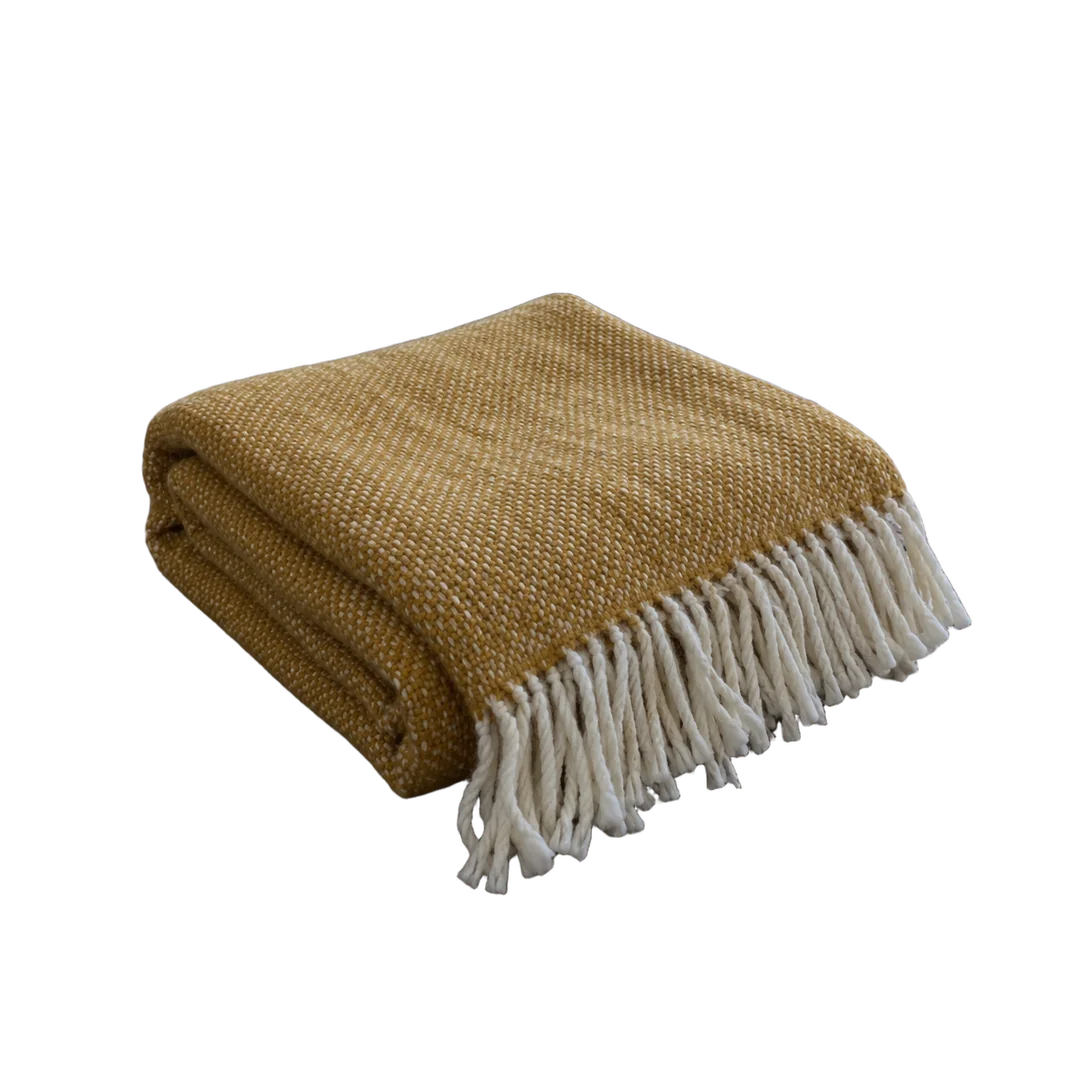
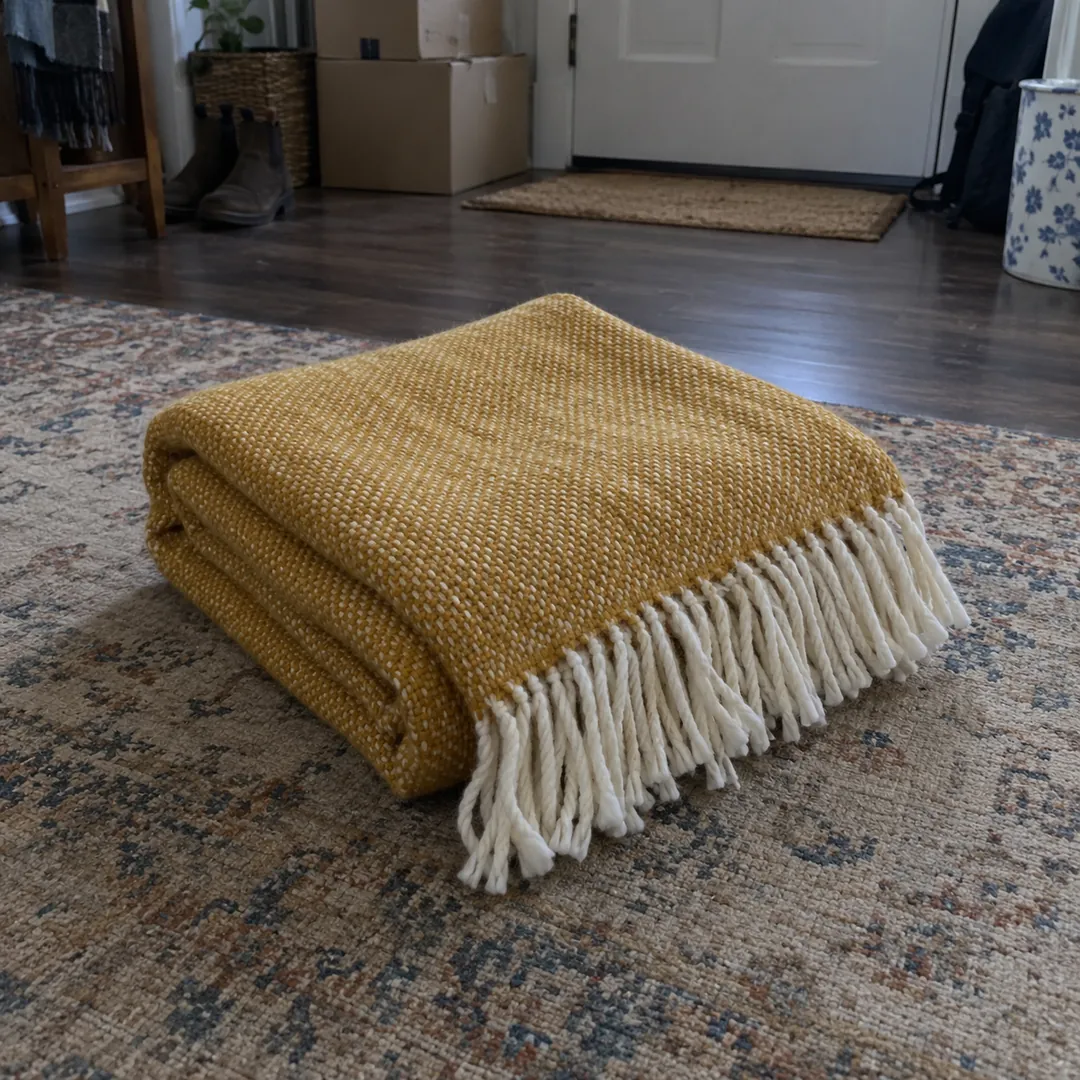
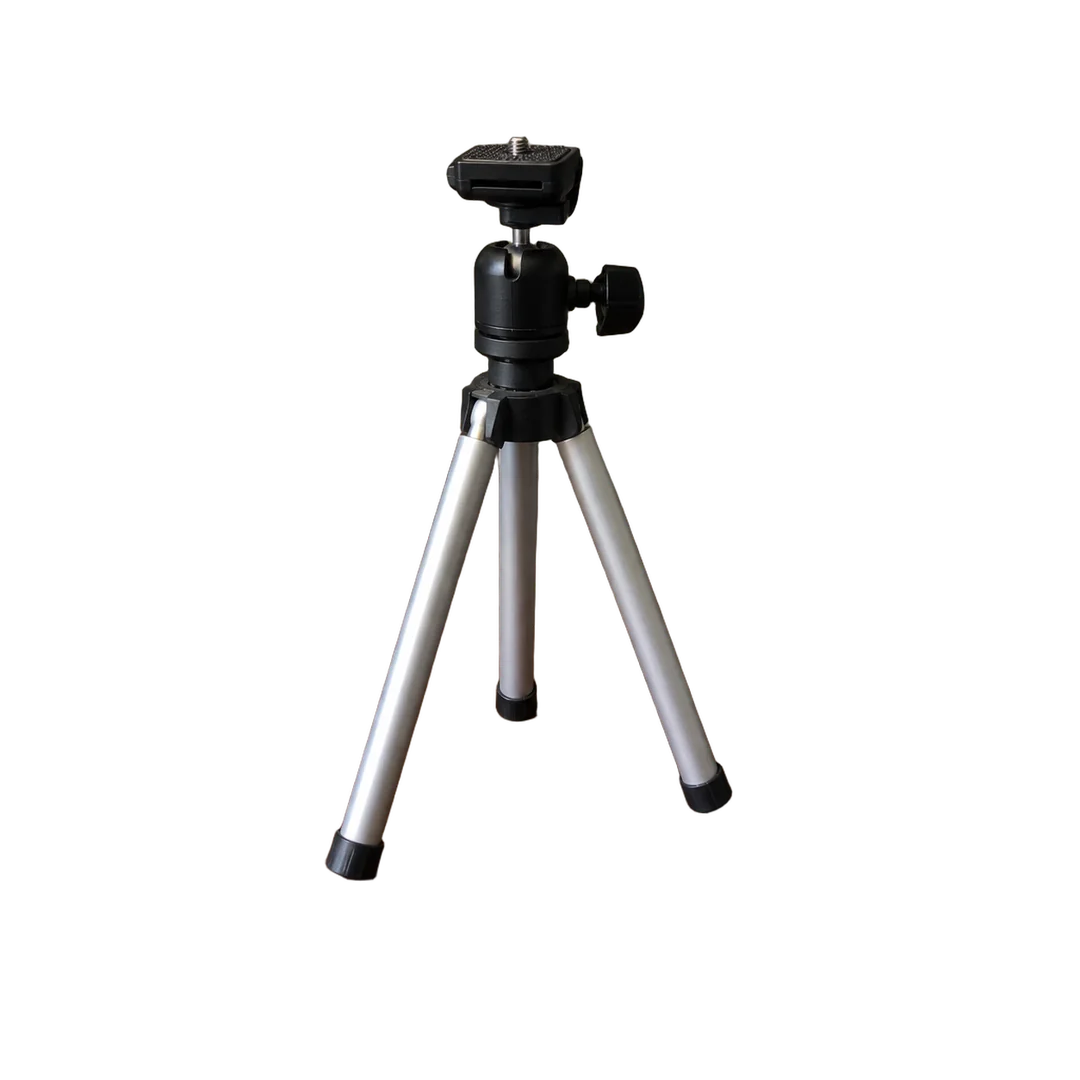
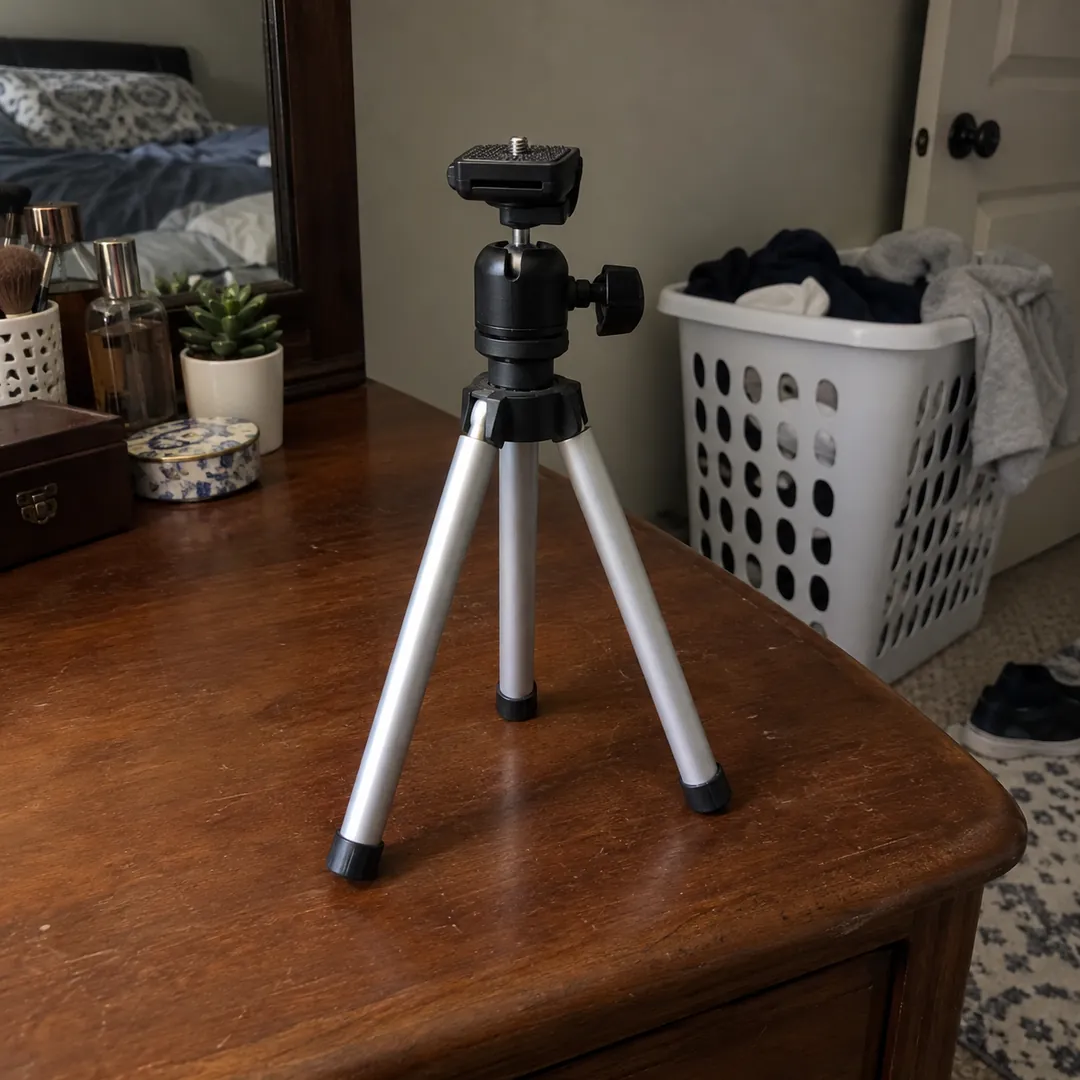
Cut out,
not redrawn.
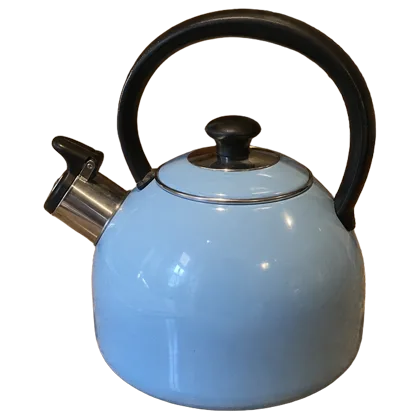
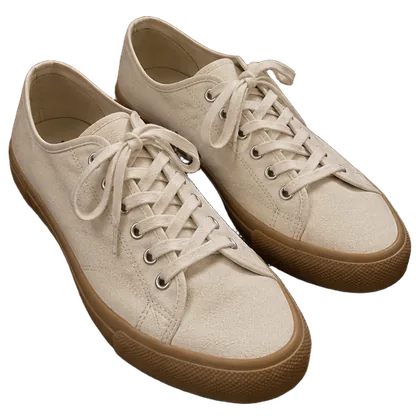
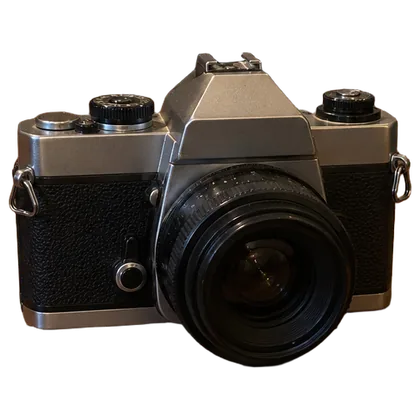
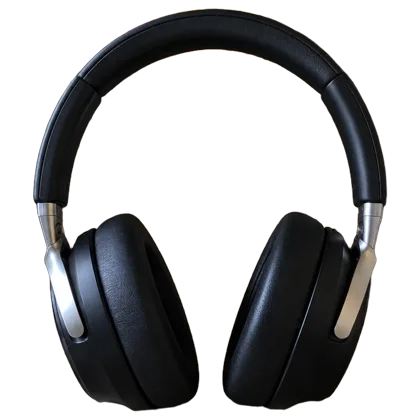
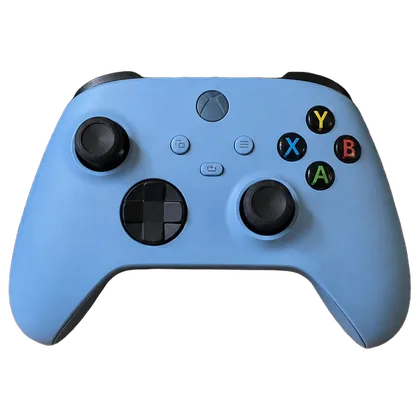
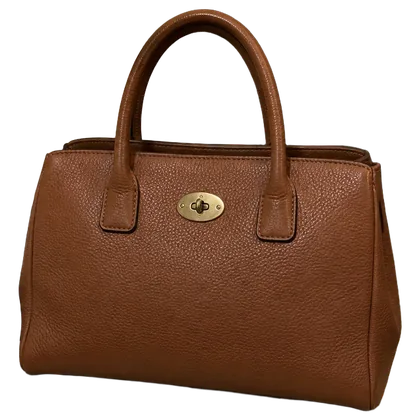
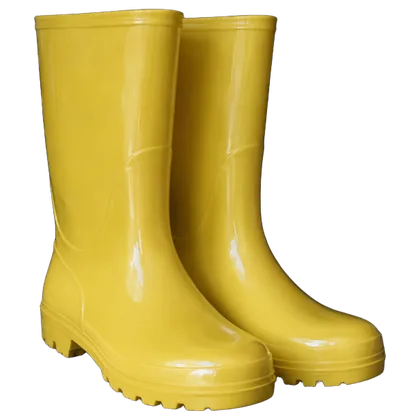
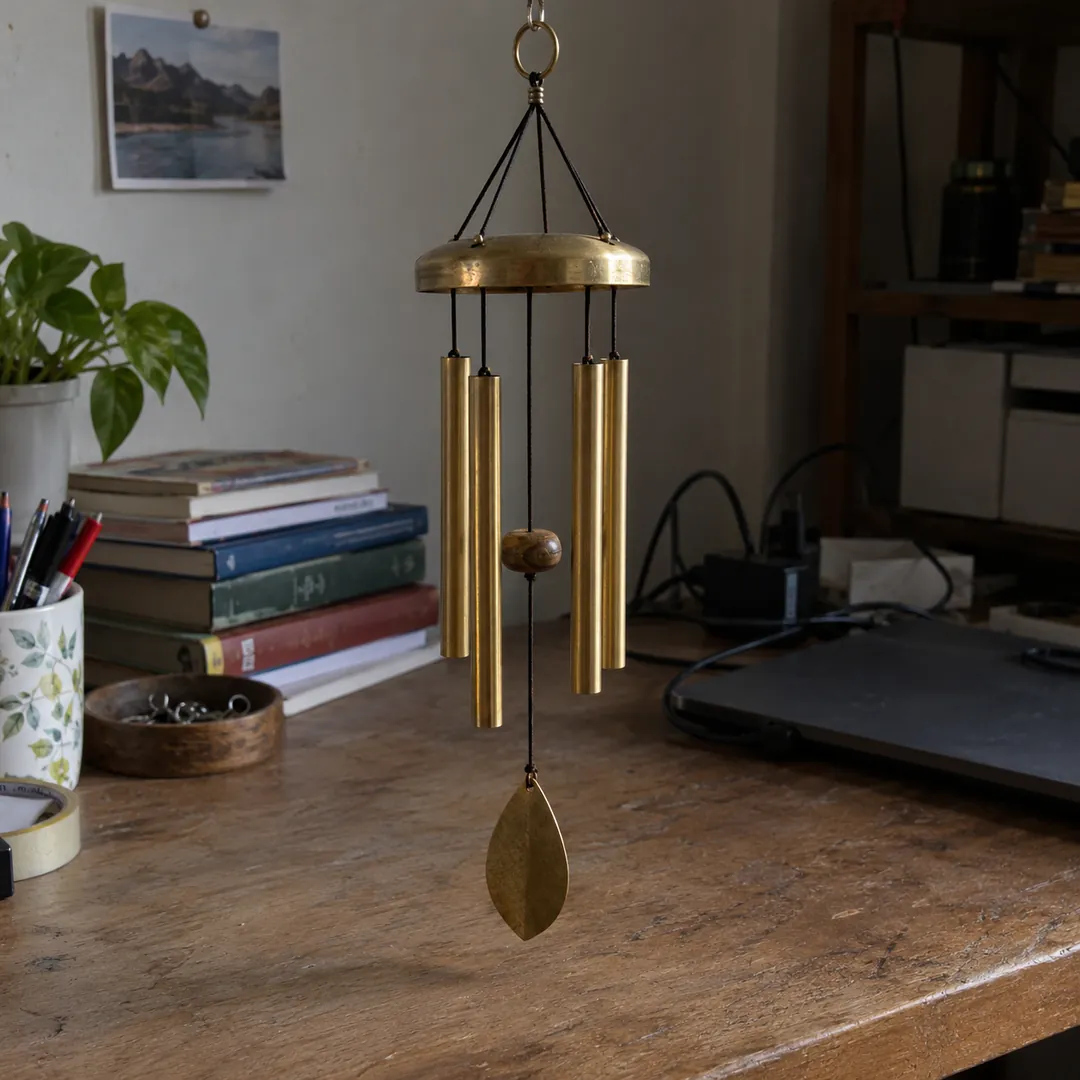
Each tile is Letti's cutout with no touch-ups. Scuffs and labels stay. Hover or tap a tile to see the original.
- 1
Add your photos
From your phone, computer or Library.
- 2
Pick a background
White with a soft shadow by default. Change the color or the 1:1, 4:3, 3:4 frame.
- 3
Save or download
Keep them in your Library, or download as JPG or PNG.
Background removal, answered
Something else? .
Does Letti change my item?
No. Only the background is replaced. Wear, tags and labels stay as you shot them.
Can I use a color instead of white?
Yes. Pick a preset color or enter your own. You can also add or remove a shadow.
Can I do a whole set at once?
Yes, up to 20 photos with the same color, shadow and frame. See Bulk Photo Editor.
Where do the photos go?
Save them to your Library or download as JPG, PNG or WebP.
What does it cost?
Background removal costs 2 credits per photo ($0.05 pay as you go). See Pricing for monthly plans and free-month offer details.