Bulk Photo Editor
Do the whole pilein one go.
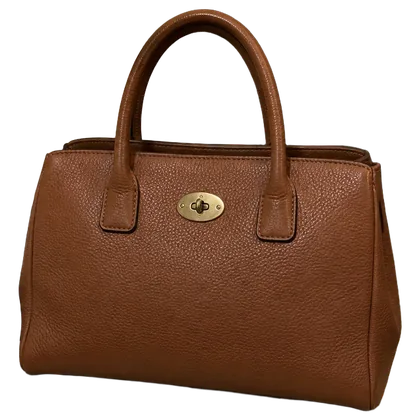
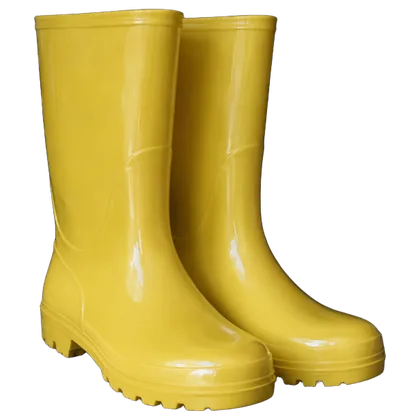
Add up to 20 photos from your phone or computer. Letti removes every background and gives them the same color, shadow and frame.
Your first month of Pro is on us.
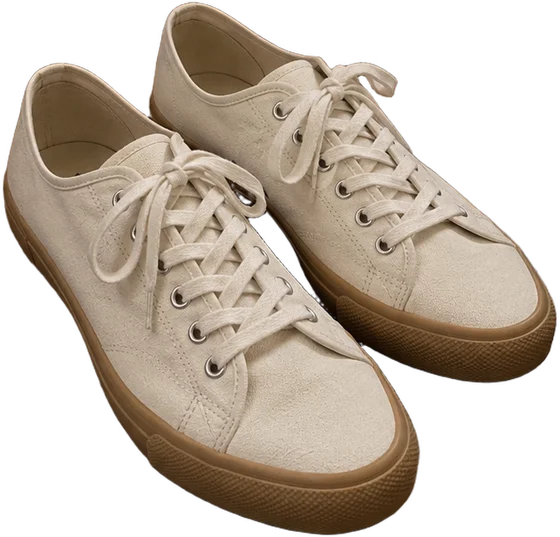
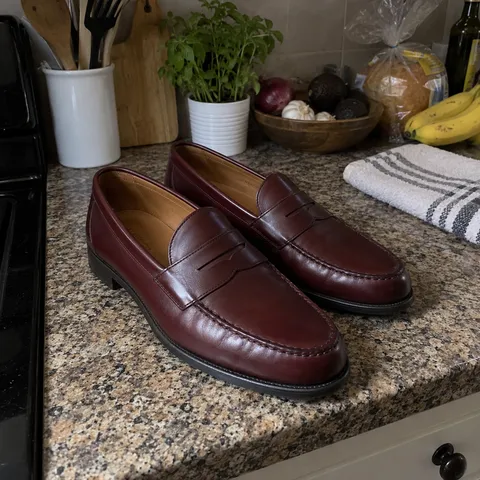
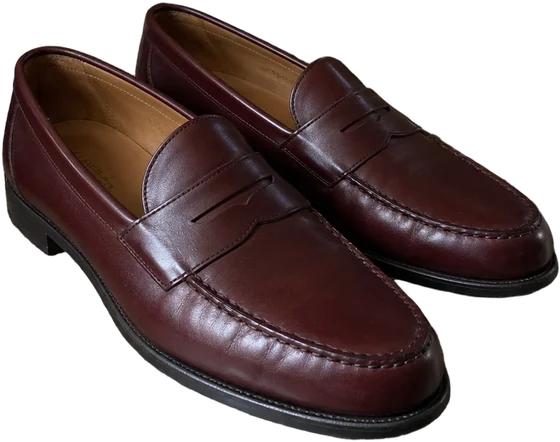
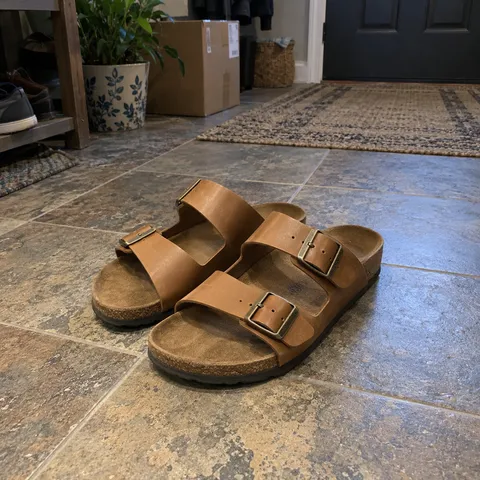
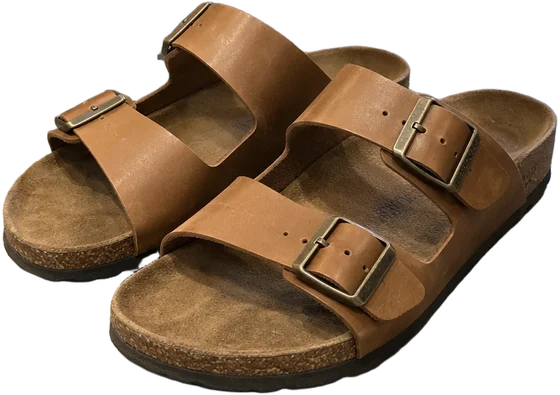
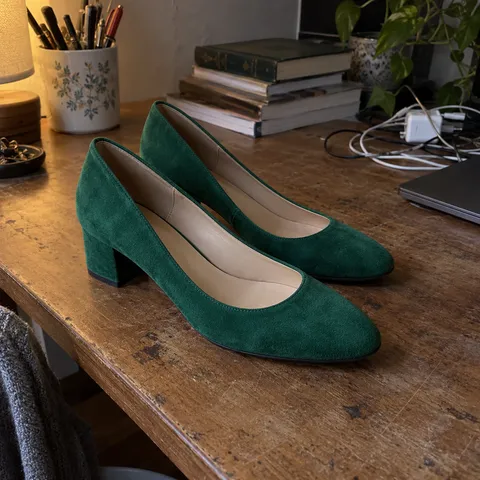
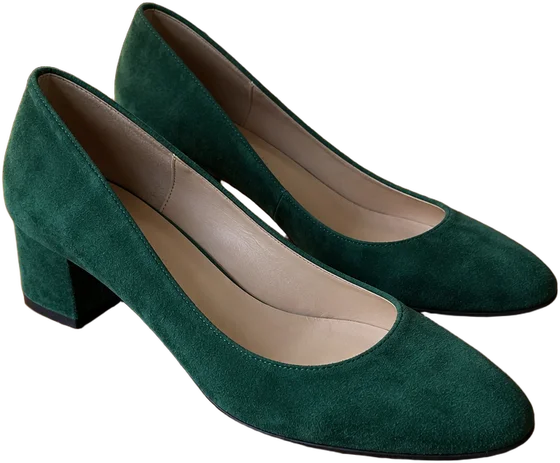
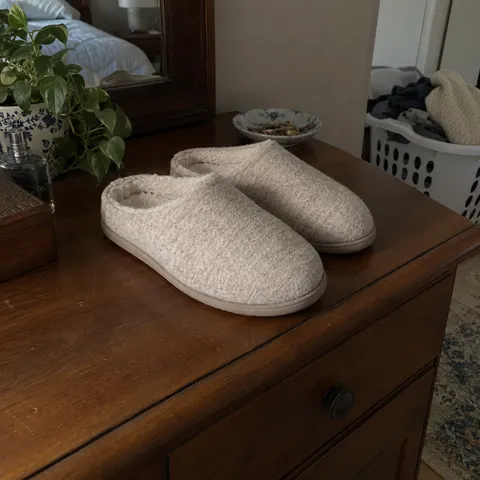
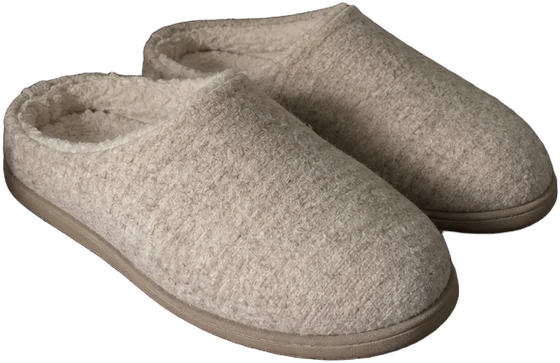
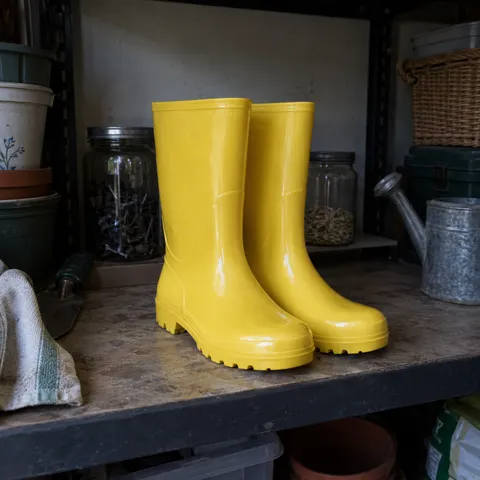
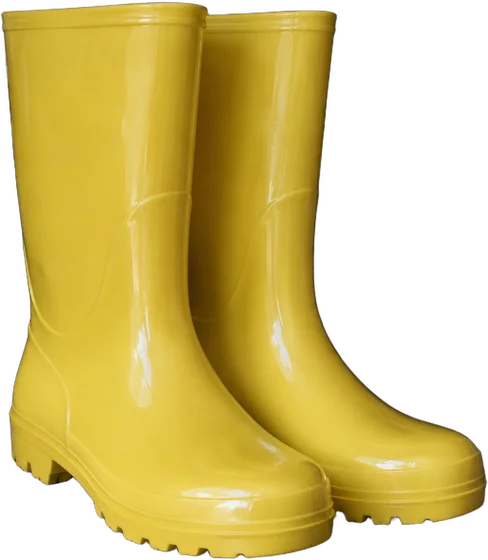
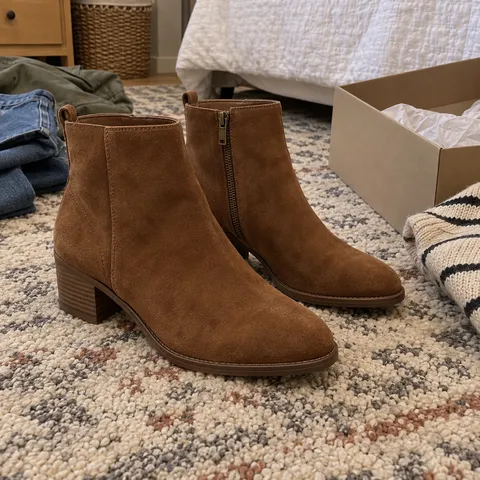
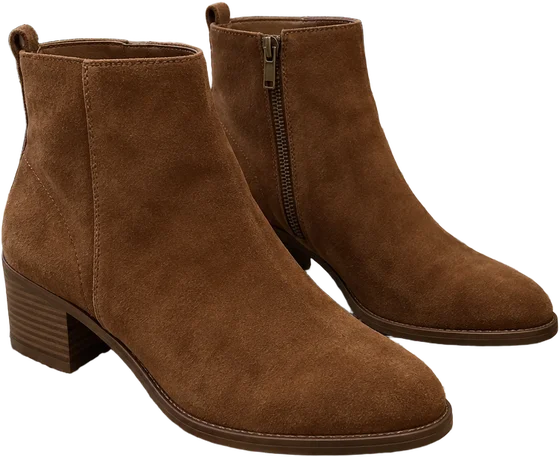
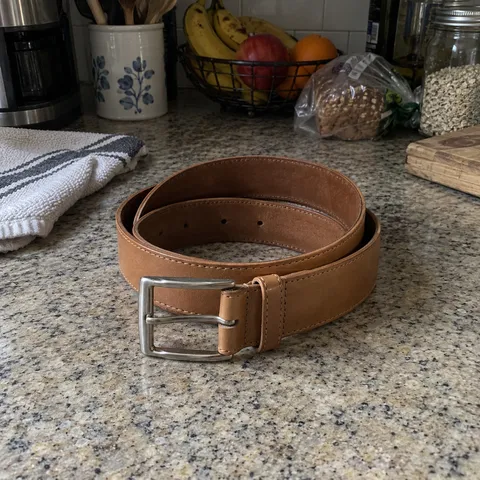
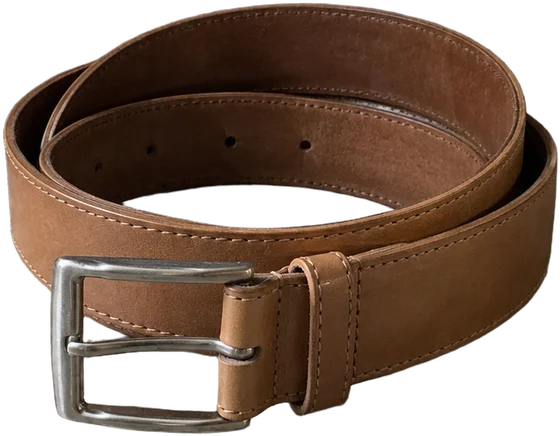
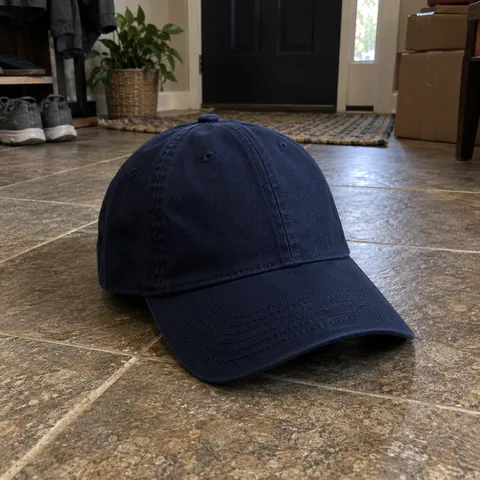
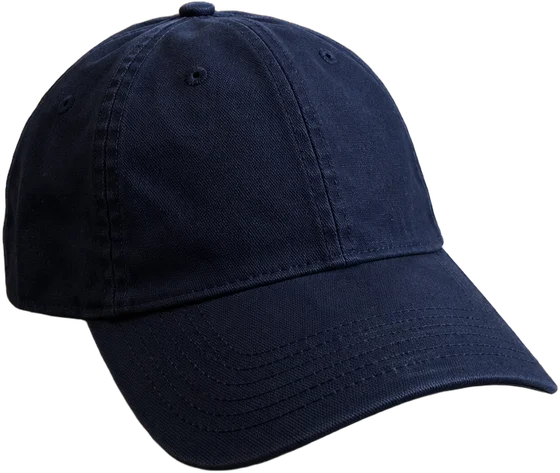
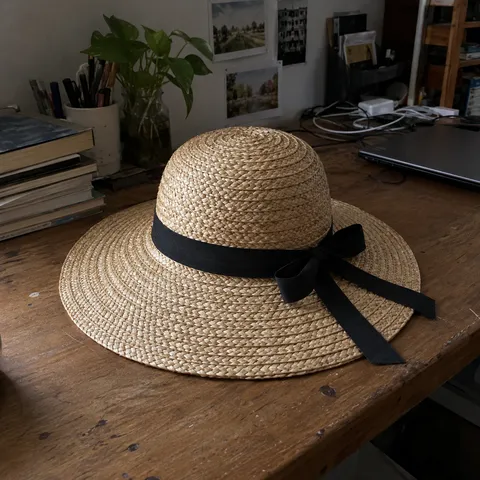
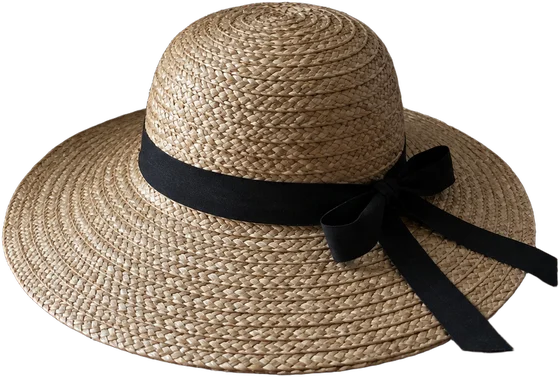
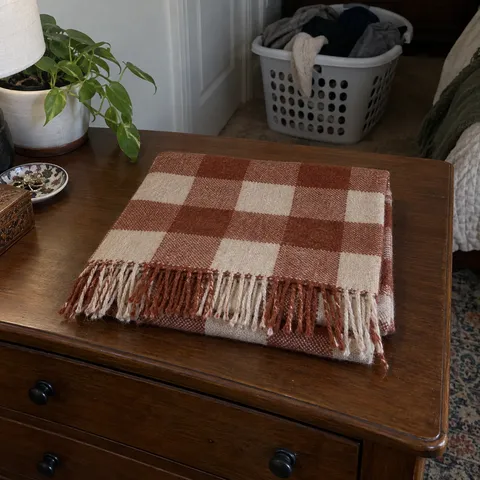
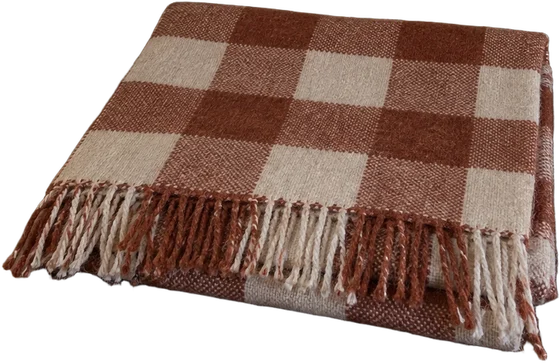
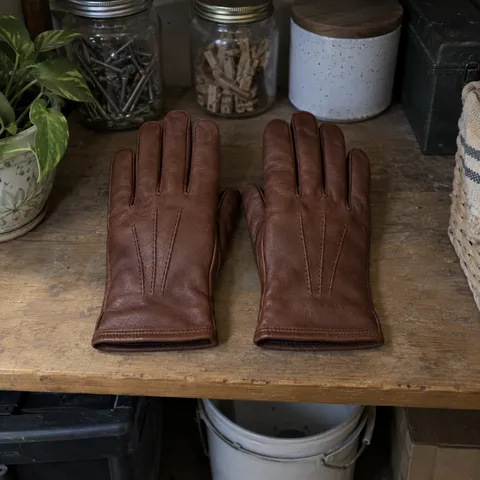
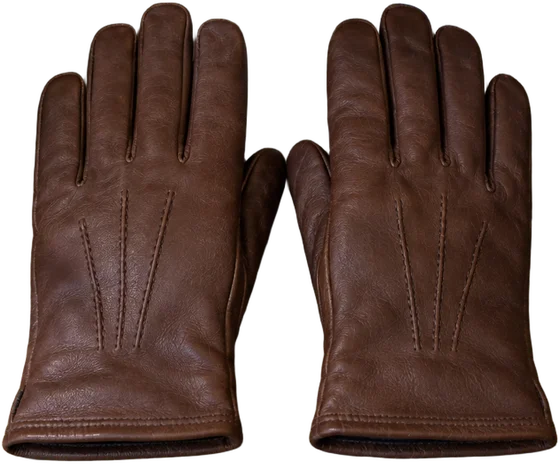
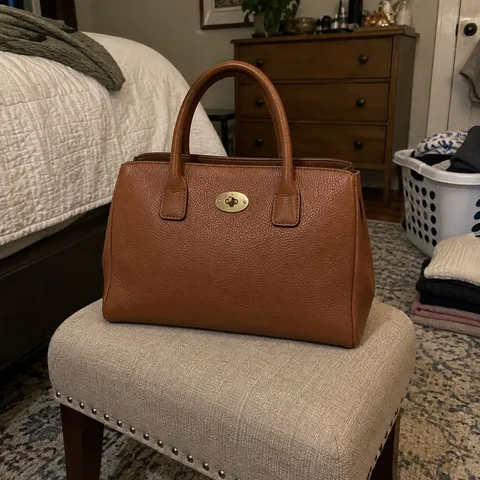
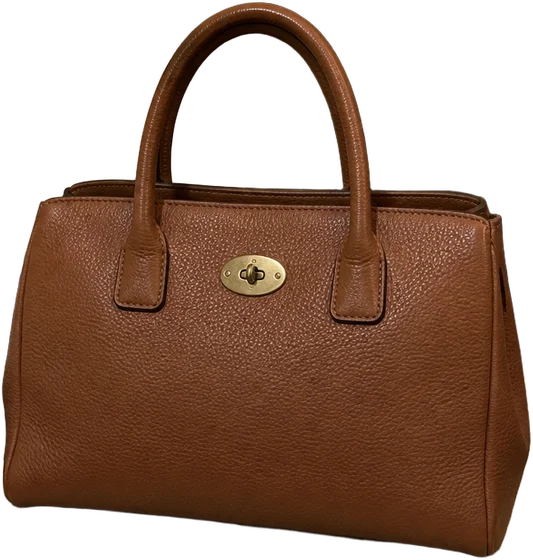
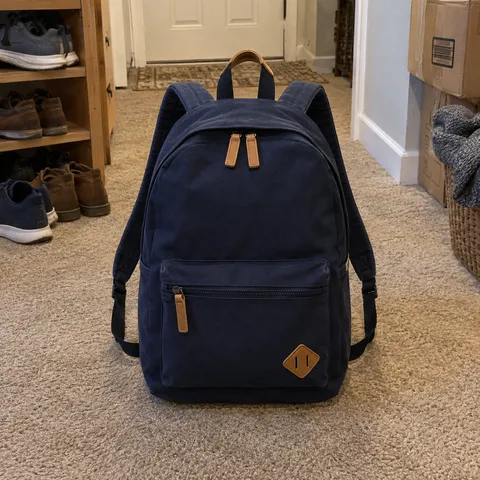
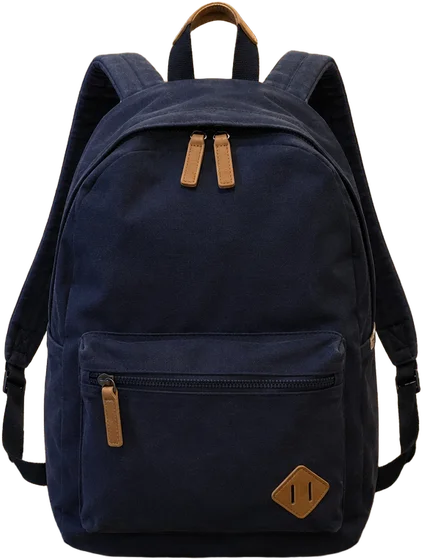
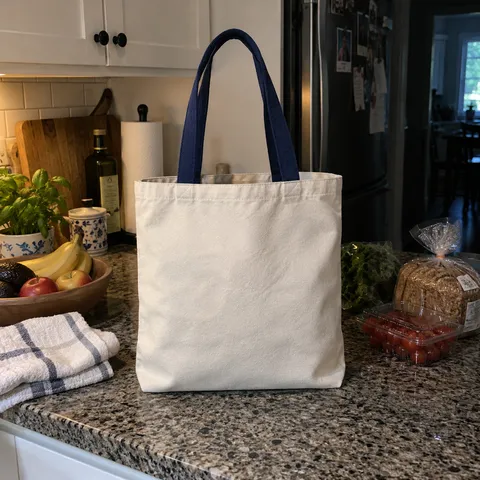
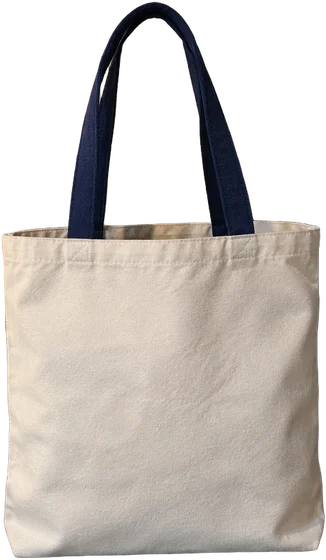
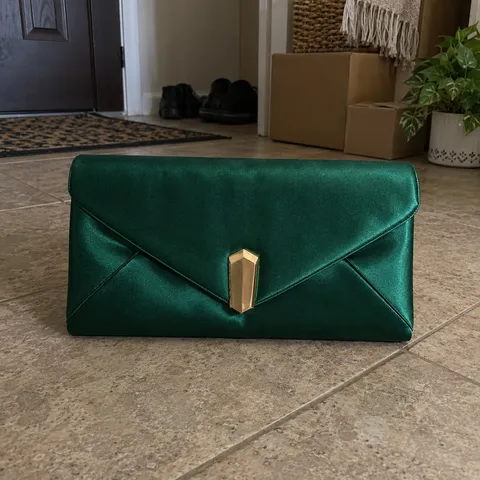
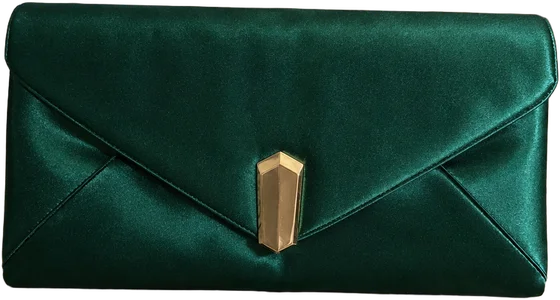
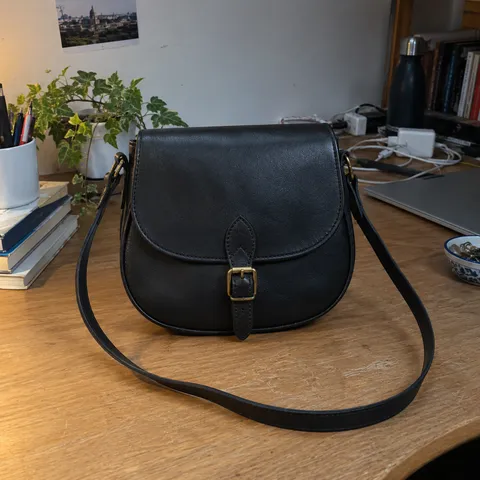
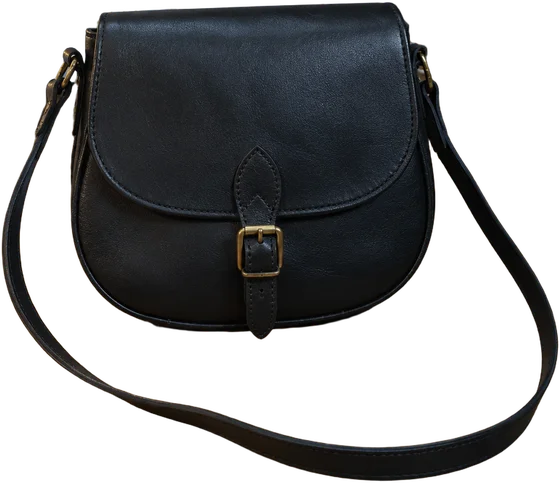
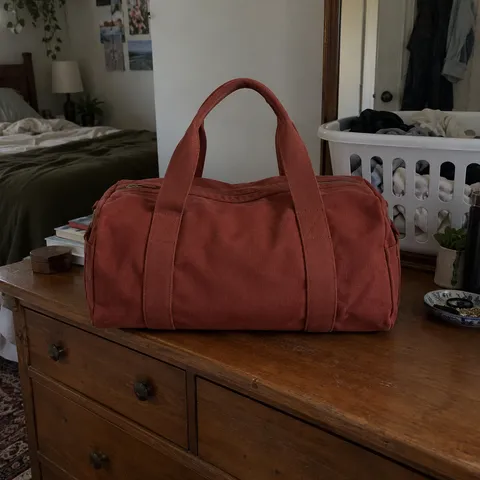
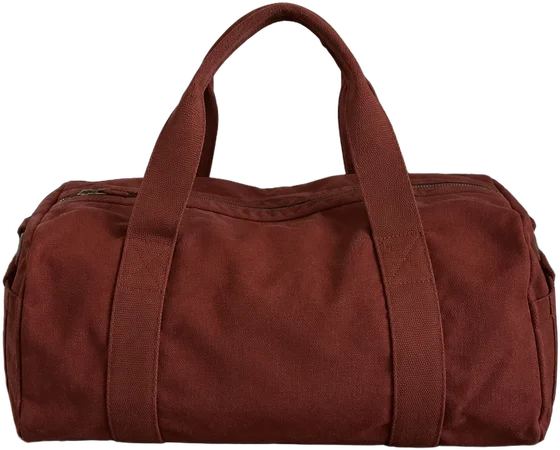
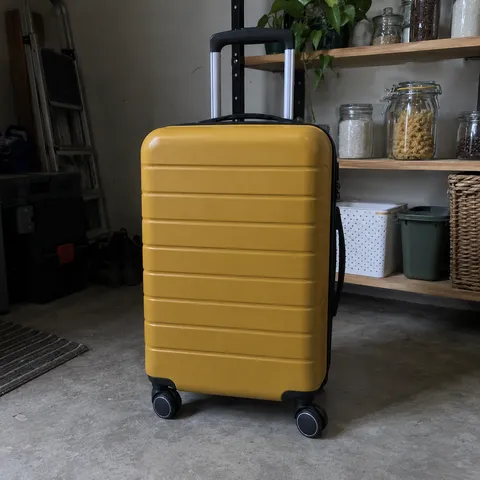
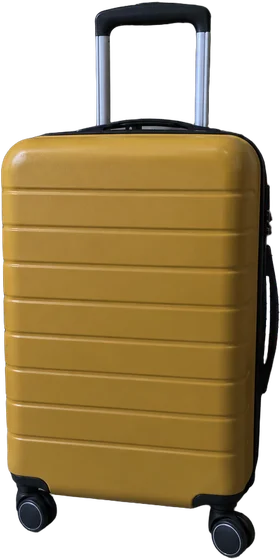
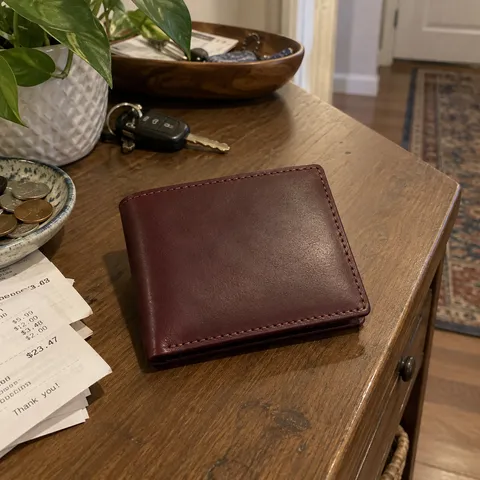
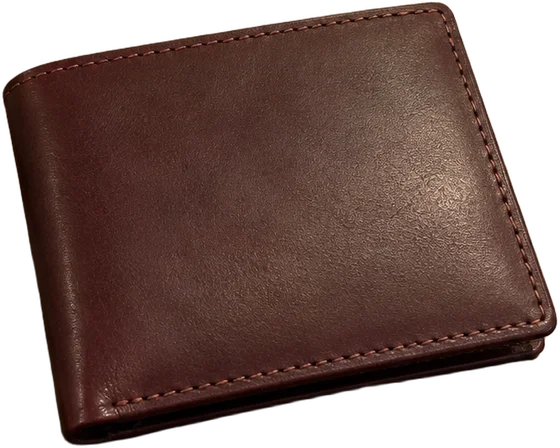
That's every setting for the whole batch.
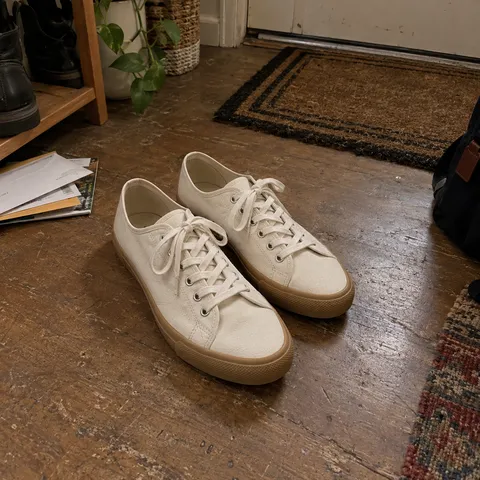
Fix the odd one out
Open one photo to change its background, reframe it, fix the light or add a line of text. The rest of the set stays as it is.
That's every tool for one photo.
Bulk editing, answered
Something else? .
How many photos can I edit at once?
Up to 20 photos per batch. You can also edit a single photo in the same Studio. For more than 20, start another batch.
Does Letti change my items?
No. Only the background is replaced. The items aren't redrawn.
Can I change the photo shape?
Yes. Choose 1:1 (square), 4:3 (landscape) or 3:4 (portrait) for your batch.
Can I edit one photo separately?
Yes. Apply the same color, shadow and frame to the batch, then open any photo to adjust it individually. The rest stay as they are.
Where do the photos go?
Save them to your Library or download as JPG, PNG or WebP.
What does it cost?
Background removal costs 2 credits per photo, or 40 credits for 20 photos. See Pricing for available plans.