



















































AI Image Generator
Picture anything.Put your item in it.
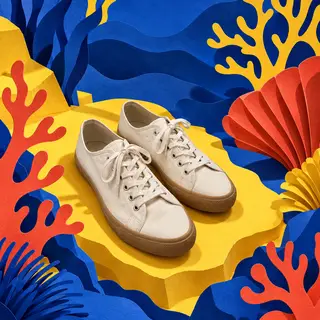
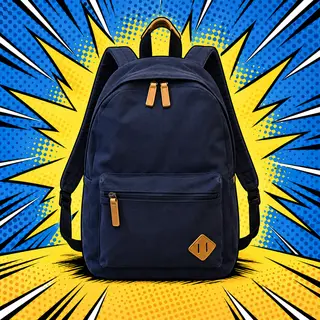
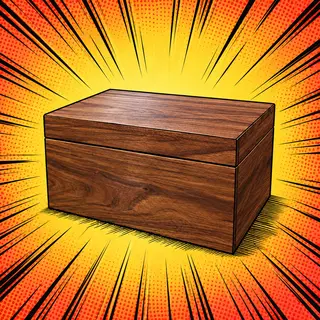
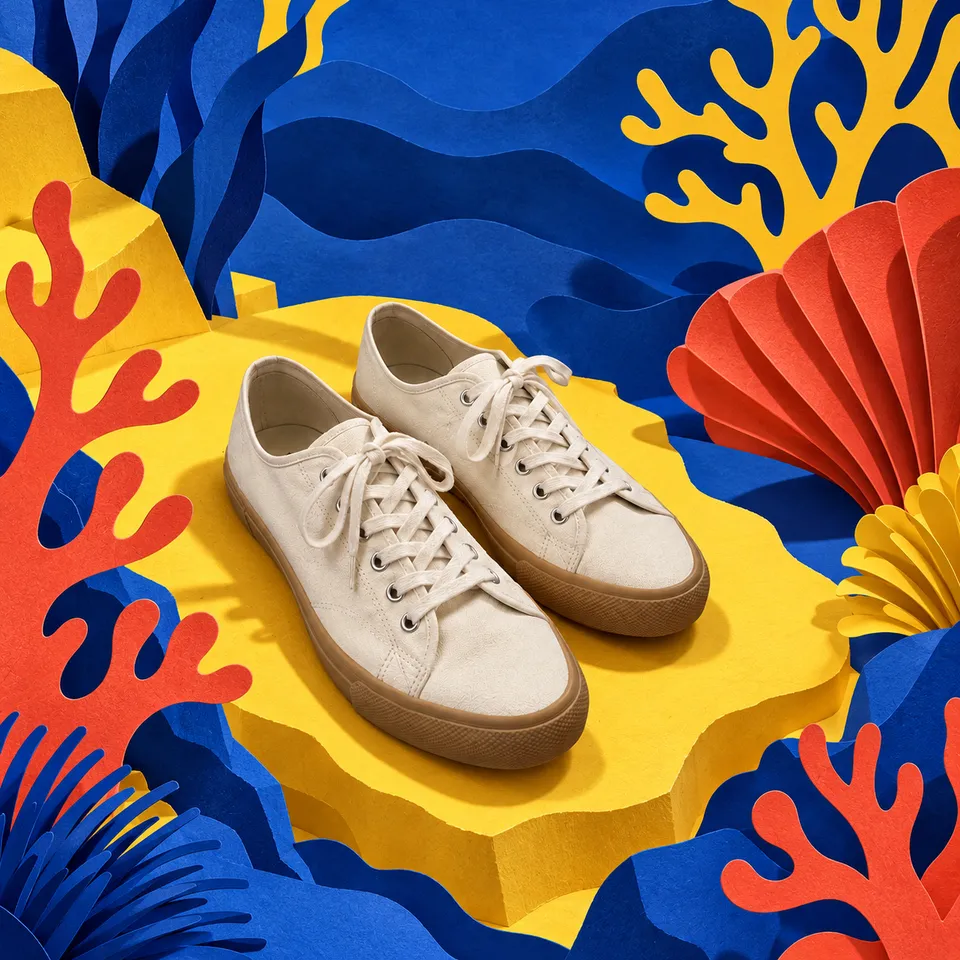
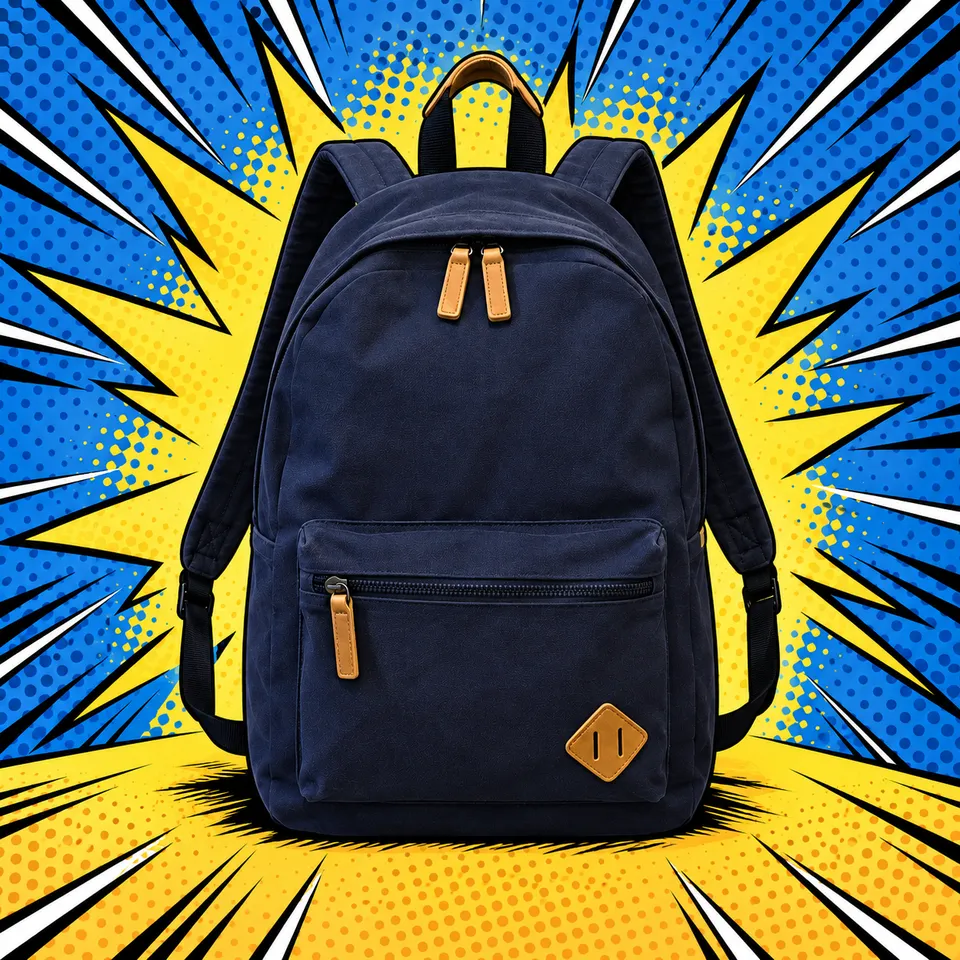
Start from the photo you already took. Describe the world you want around it, like a paper reef, a water spiral or a comic-book burst, and Letti builds it.
Your first month of Pro is on us.


Say it the way you see it.
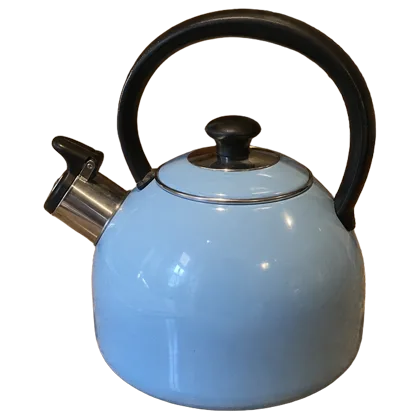
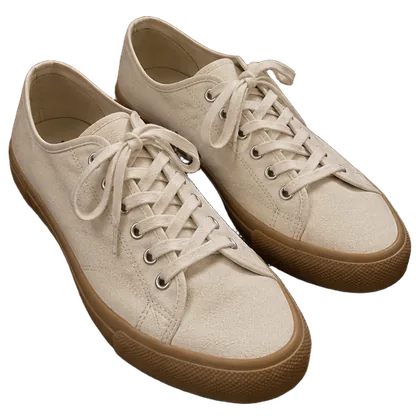
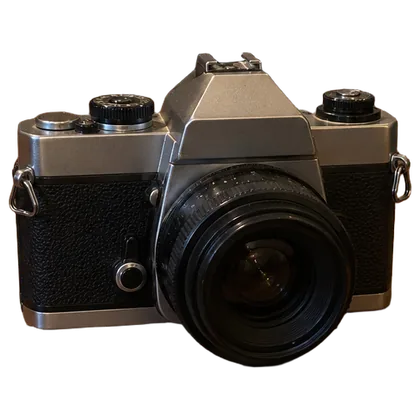
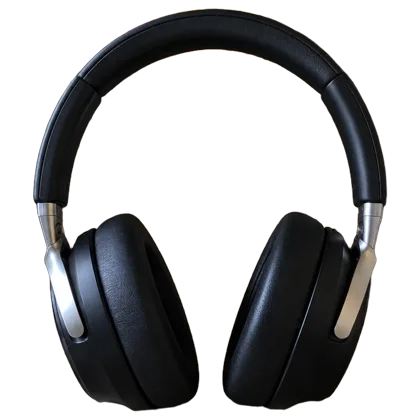
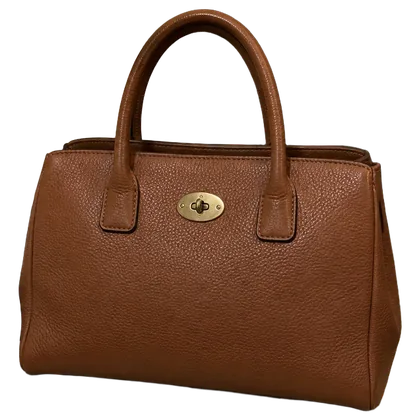
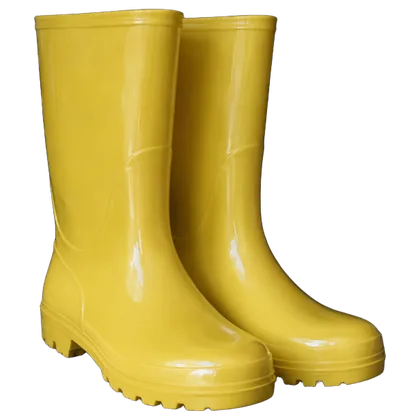
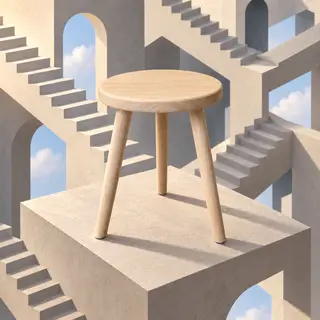
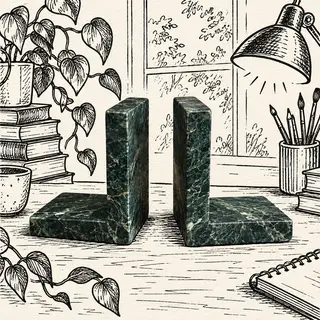
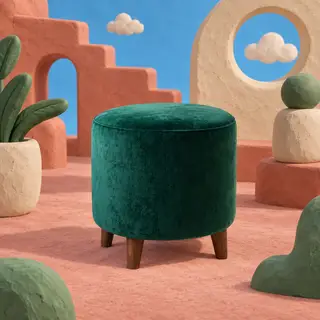
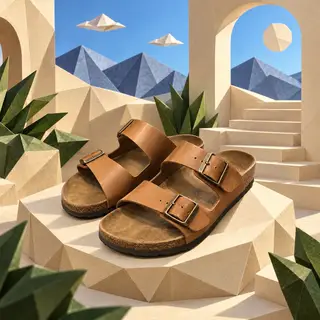
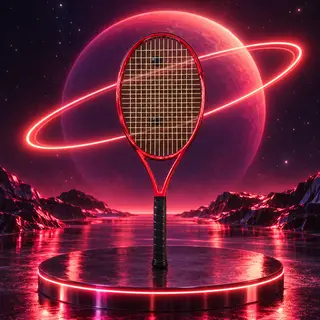
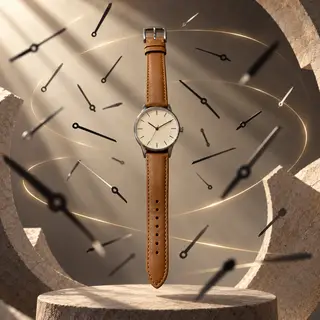
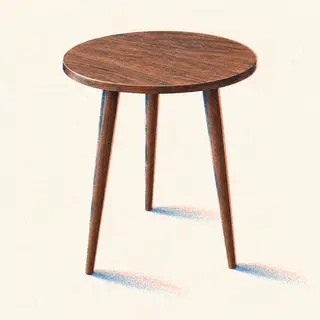
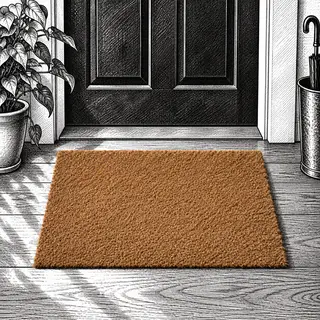
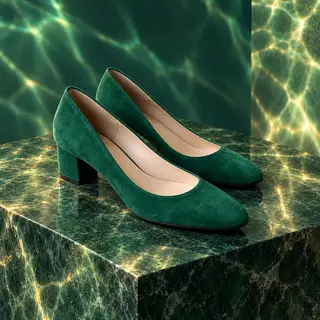
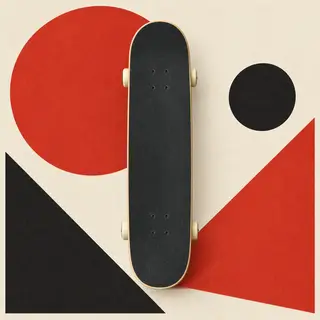
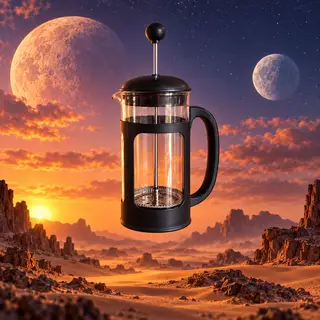
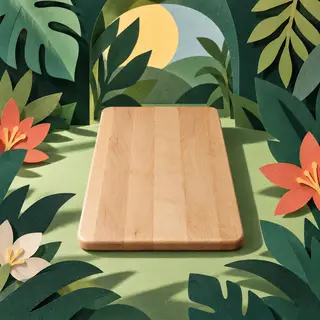
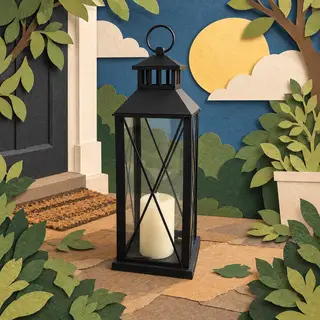
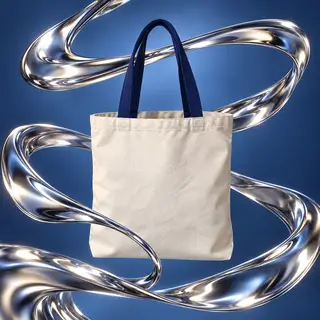
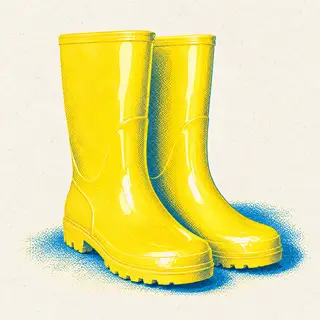
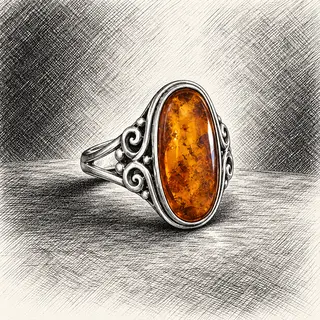
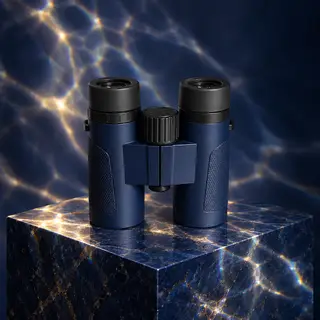
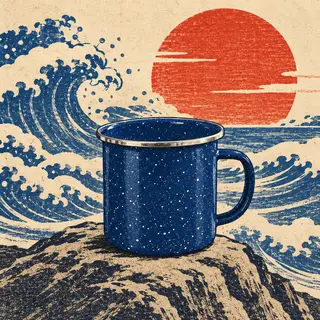
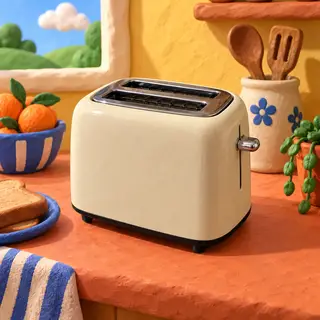
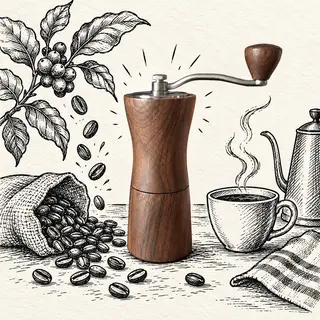
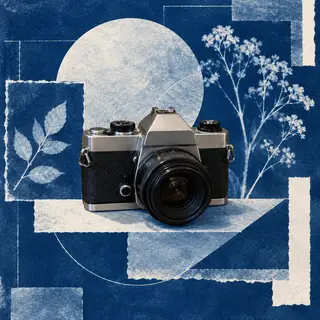
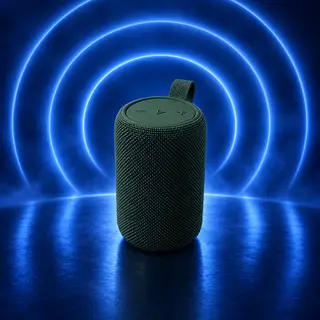
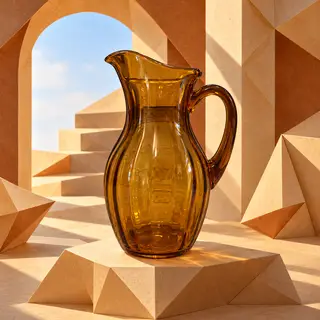
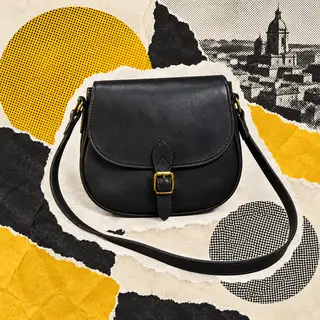
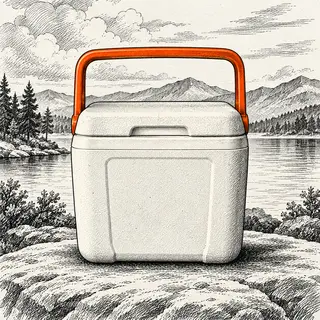
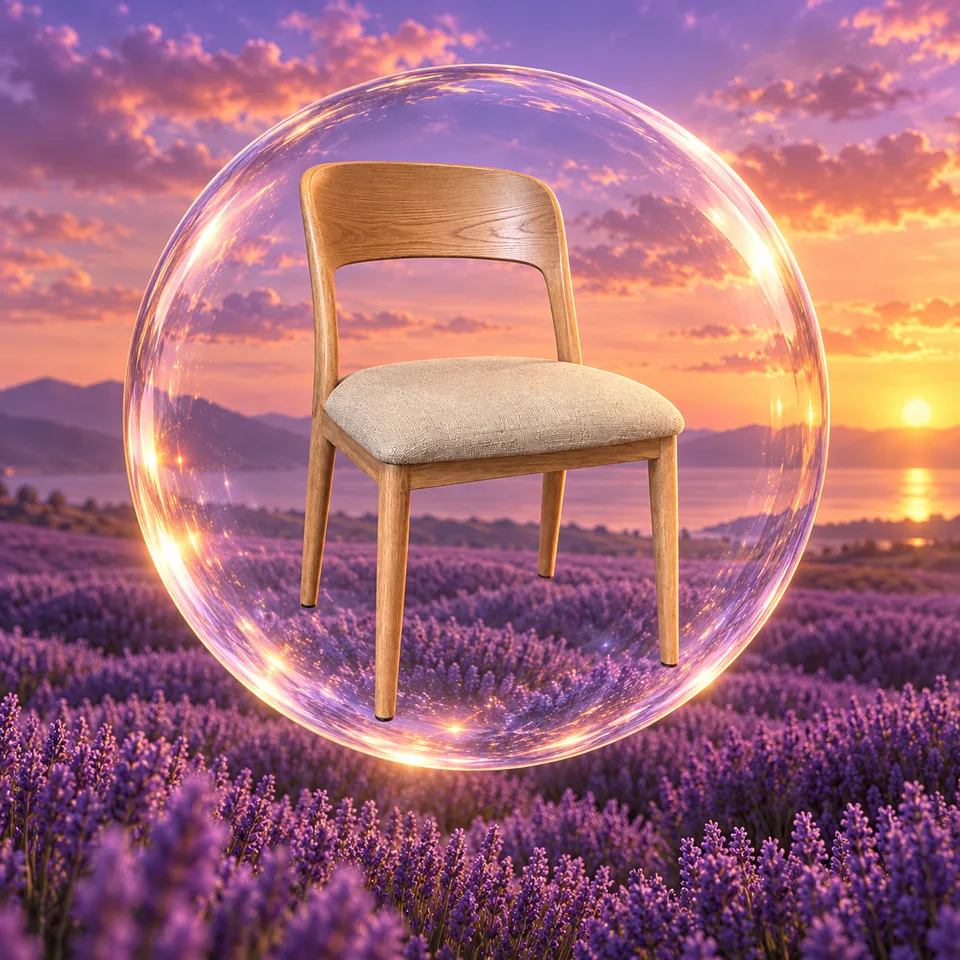
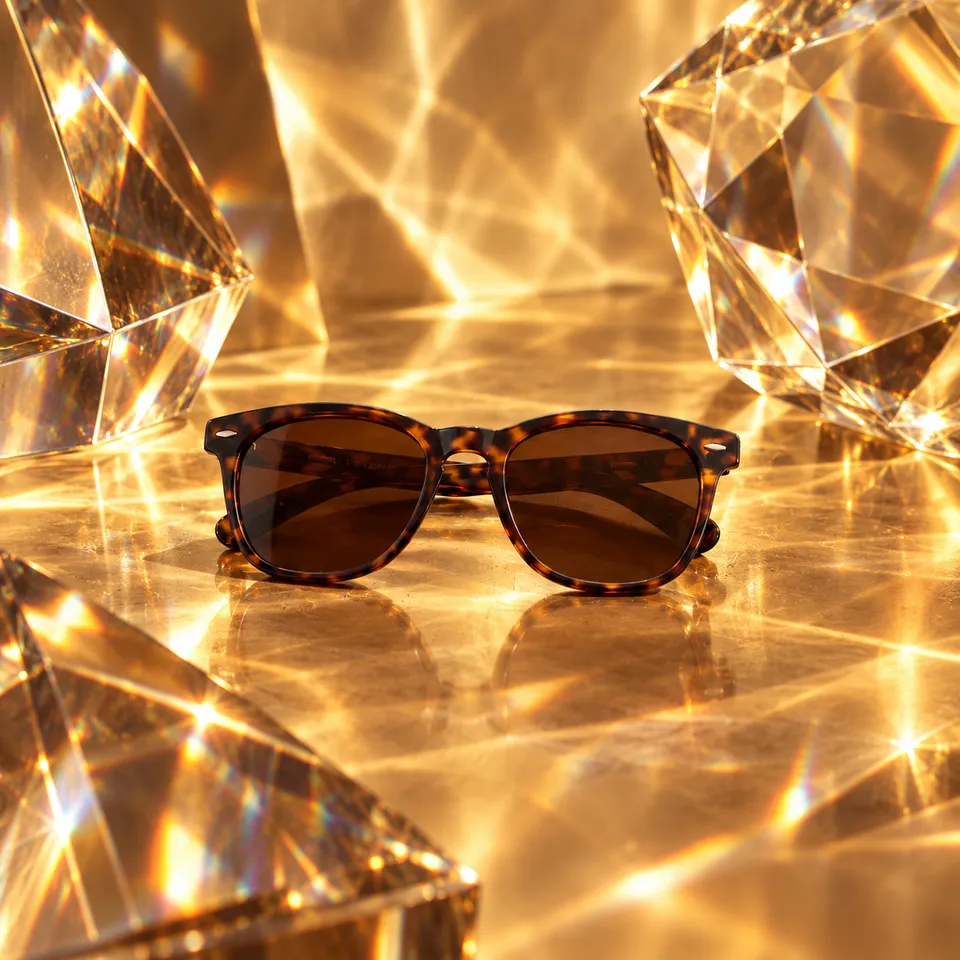
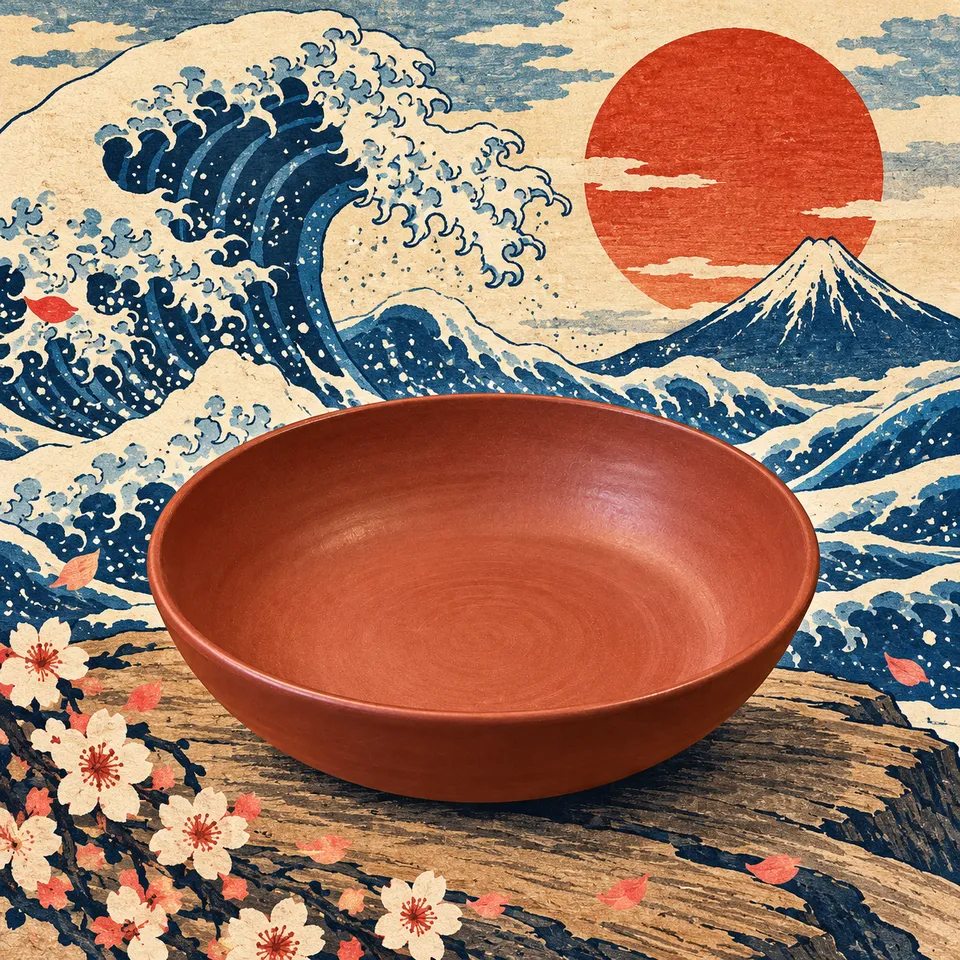
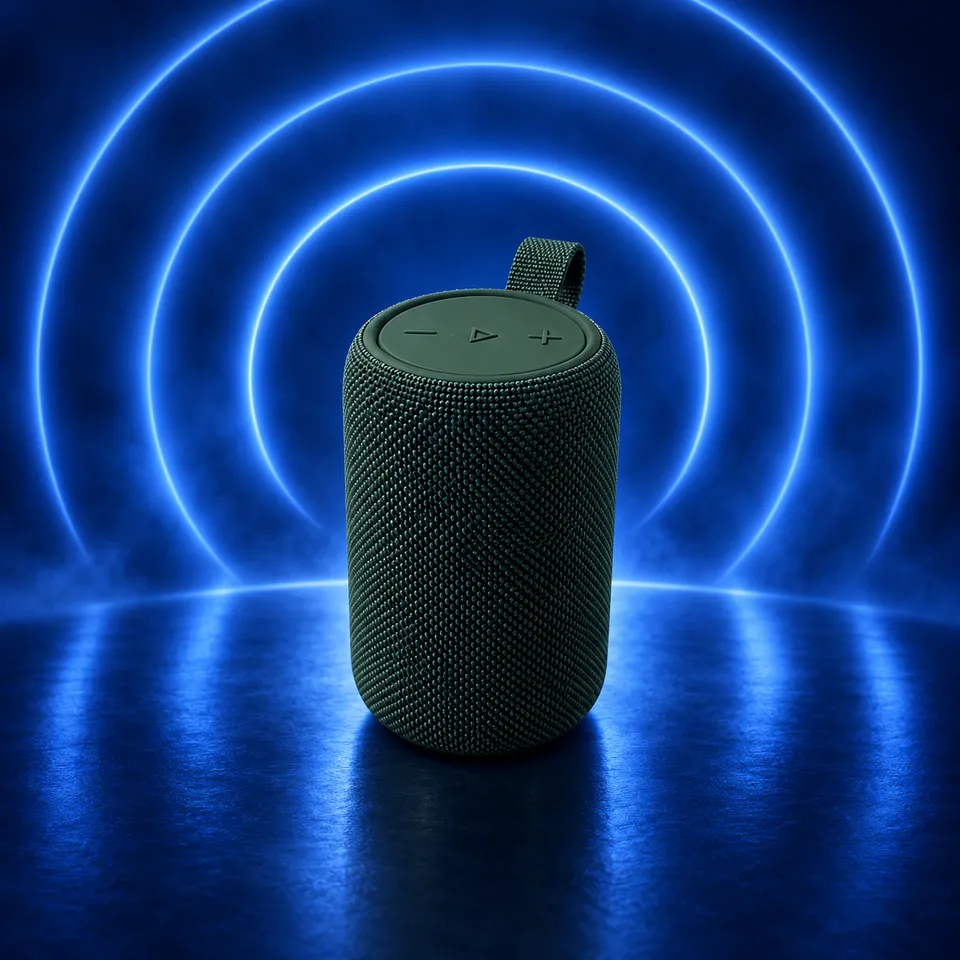
Each of these started as a plain product photo and one short line. Tap a picture to see the photo it came from.
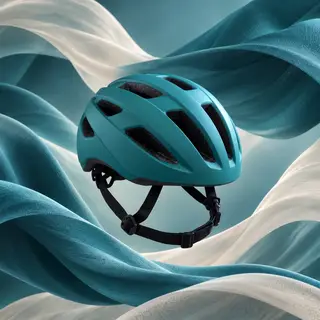
Chrome ribbons on cobalt blue
Water bottle
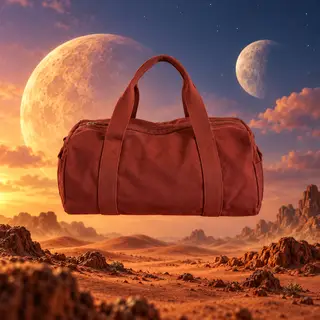
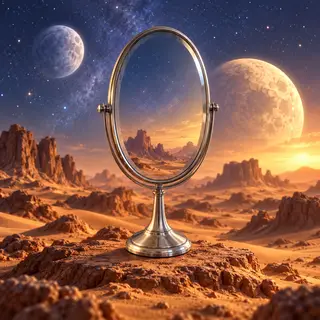
Desert at dusk with two moons
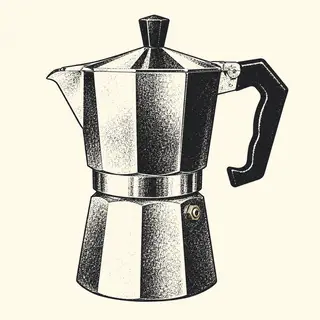
French press
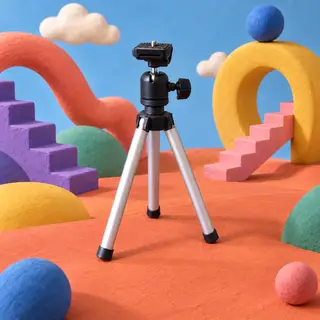
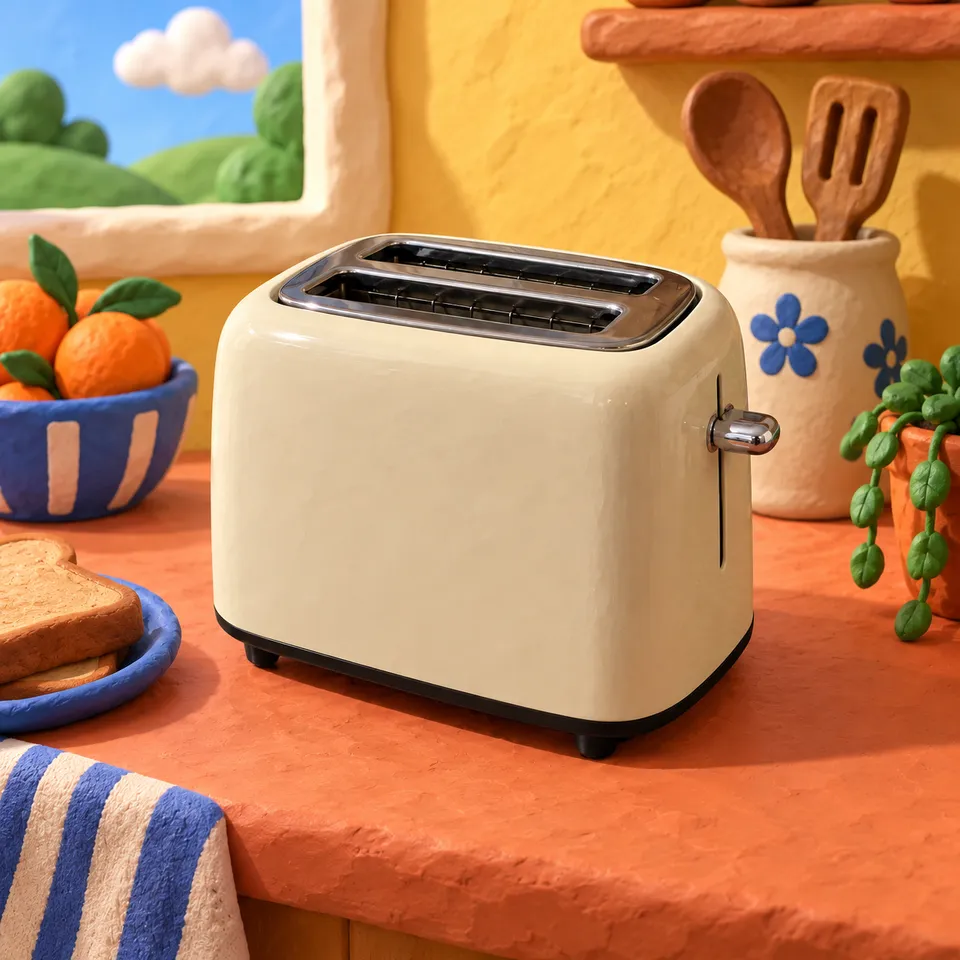
Clay set, soft round shapes
Thermos
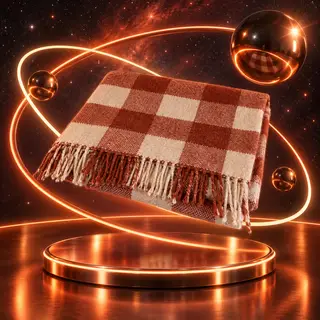
Neon rings orbiting it in space
Rolling pin
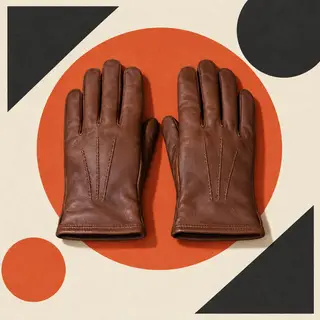
Bauhaus poster, red sun and black triangle
Spice rack
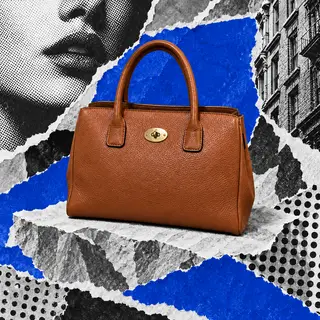
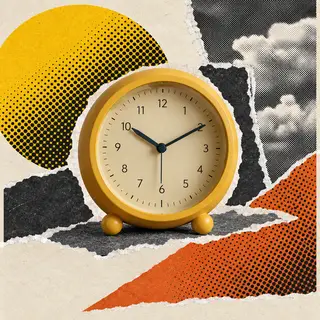
Torn-paper collage with halftone dots
Alarm clock
Folded-paper stairs in warm light
Wool throw
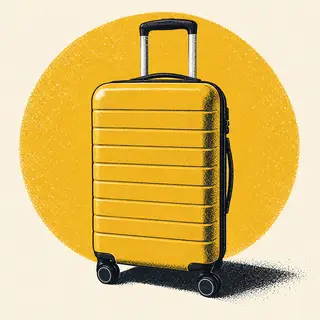
Two-color screenprint, big yellow circle
Suitcase
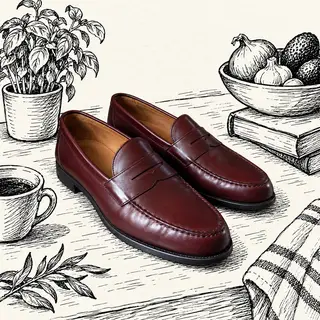
Pen-and-ink sketch, cozy kitchen corner
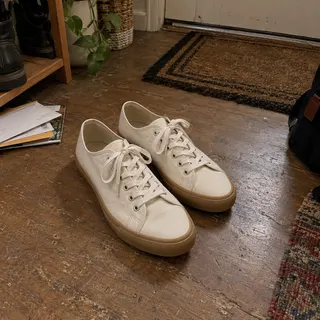
Leather loafers
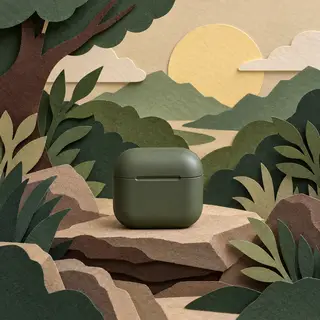
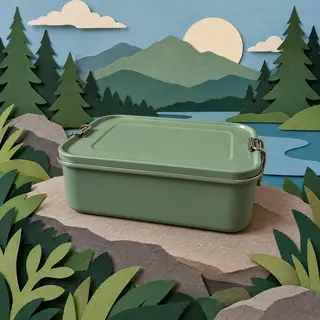
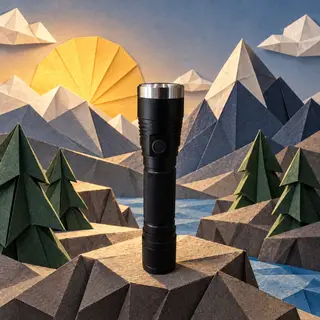
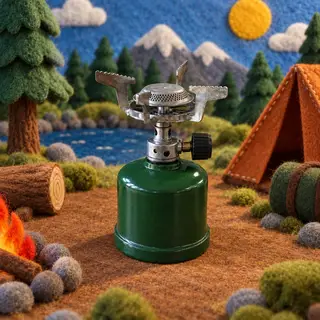
Felt miniature campsite by a lake
Camp stove
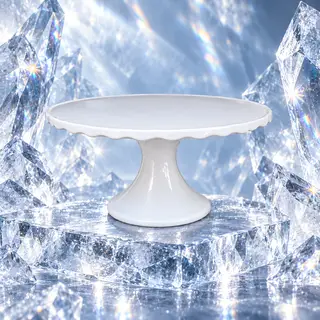
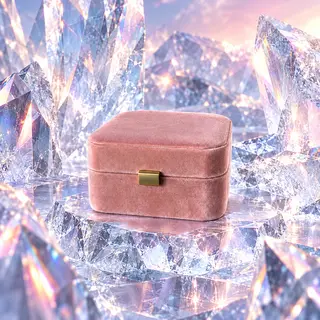
Carved ice, cold blue light
Cake stand
Paper-cut jungle with huge leaves
Glass vase
How it works
Describe the photo you want. Start with your own image or just words.
Get startedYour first month of Pro is on us.
- 1
Add reference photos (optional)
Add up to 5 photos, or start with just words.
- 2
Describe your photo
For example: “Place this bag on a marble table in soft morning light.”
- 3
Choose a frame and generate
Choose 1:1, 4:3 or 3:4, and generate 1 to 3 images at a time.
Questions people ask
Something else? .
Do I need a photo?
No. Start with just words, or add up to 5 reference photos to guide the result.
What should I write?
Describe the setting, style and lighting you want. For example: “Place this bag on a marble table in soft morning light.” You can also use a generated image as a starting point and describe what to change.
Will my item look the same?
AI can change small details. Mention any important labels or colors in your prompt, and compare the result with your original photo before you list it.
Where do the images go?
Save them to your Library or download as JPG, PNG or WebP.
What does it cost?
6–36 credits per image, depending on the model. The default model uses 16 credits. See Pricing for available plans.