AI Scene
Coming soon to StudioSame item.New room.
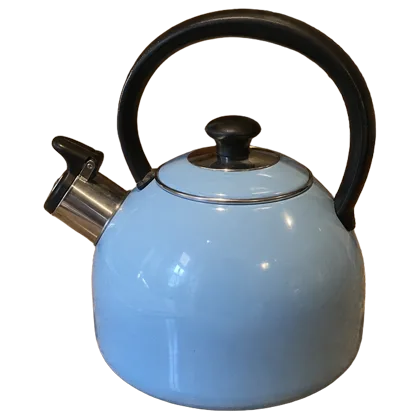
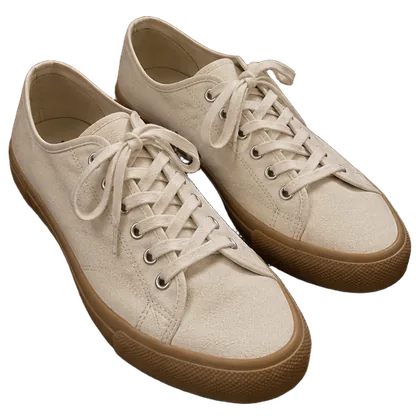
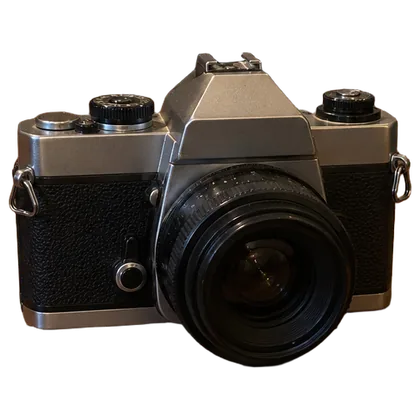
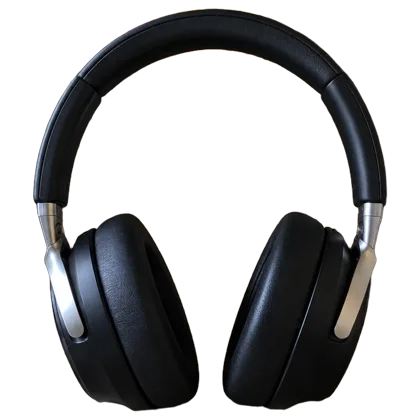
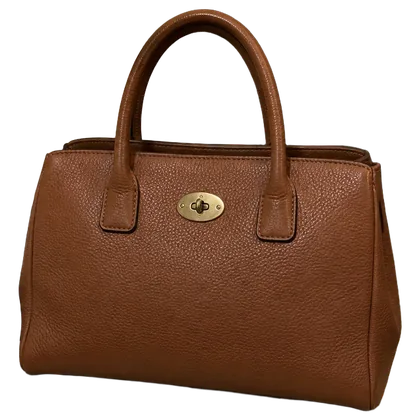
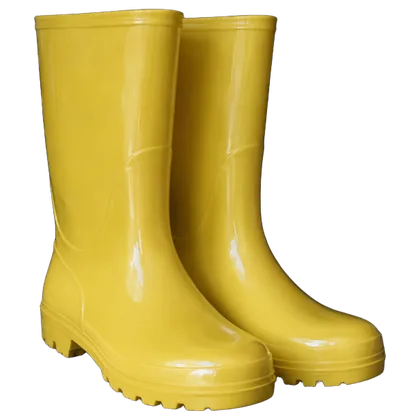
Letti takes the item from your snapshot and sets it in a real place, like a cottage kitchen or a café table. The item is the one you shot. Only the room is new.


Pick a room.
Bring the item.
Kitchens, terraces, a cabin, a picnic blanket. Pick a room to see what went there, and hover or tap a tile to see where it started.
Questions people ask
Something else? .
When can I use it?
AI Scene is coming to Studio. Take a look at the examples above for a preview of what's ahead.
Can I create a similar image now?
Yes. Add your photo in AI Image Generator and describe the setting you want, like “Place this mug on a cabin table by the fire.”
How is it different from AI Cover Photo?
AI Cover Photo creates an evenly lit product photo on a clean, solid-color background. AI Scene places your item in a setting where it might be used, like a kitchen or a café.
Will my item look the same?
Letti aims to preserve your item's appearance, but AI can change small details. Compare the result with your original photo before you list it.